Bacon Cipher Translator
Convert plain text into five-symbol A/B groups or decode Bacon cipher back to letters. Choose the modern 26-letter alphabet or the historical 24-letter I/J and U/V merged alphabet.
0 / 10,000 characters
Examples
Examples show the alphabet mode and input/output pairs. Modern 26-letter mode is used unless stated; historical 24-letter mode merges I/J and U/V. Outputs are deterministic local results.
English
HELLO
Translation
AABBB AABAA ABABB ABABB ABBBA
Forward conversion with default settings
English
WORLD
Translation
BABBA ABBBA BAAAB ABABB AAABB
Forward conversion with default settings
English
GOOD DAY
Translation
AABBA ABBBA ABBBA AAABB / AAABB AAAAA BBAAA
Forward conversion with default settings
English
SECRET
Translation
BAABA AABAA AAABA BAAAB AABAA BAABB
Forward conversion with default settings
English
MEET ME
Translation
ABBAA AABAA AABAA BAABB / ABBAA AABAA
Forward conversion with default settings
English
FRIEND
Translation
AABAB BAAAB ABAAA AABAA ABBAB AAABB
Forward conversion with default settings
Understand this tool
Five-bit letter codes
Bacon cipher uses five A/B symbols per letter because two choices in five positions give 32 possible patterns. The modern 26-letter alphabet uses 26 of those patterns; the historical 24-letter alphabet uses 24. Spaces between groups are optional for readability.

Bacon's historical alphabet
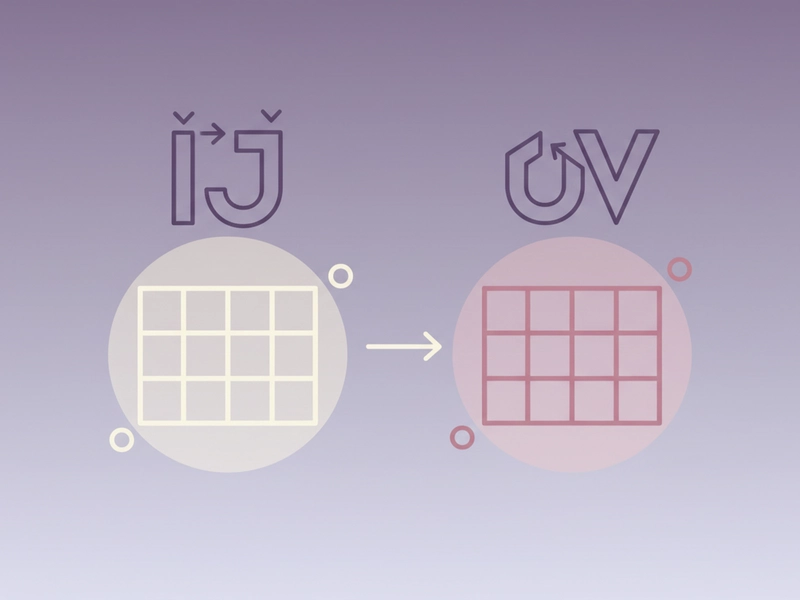
The original Baconian cipher is often described with a 24-letter alphabet, merging I with J and U with V. That convention reflects older Latin-influenced alphabets. Modern implementations usually offer a 26-letter variant so every English letter has its own code.
Reference guide
| Input | Rule | Result |
|---|---|---|
| A | First pattern in modern 26-letter alphabet | AAAAA |
| Z | Last pattern in modern 26-letter alphabet | BBAAB |
| J | Separate letter in modern 26-letter mode | ABAAB |
Modern 26-letter mapping
Modern mode assigns a unique five-symbol A/B pattern to each of the 26 English letters. Encoding uses uppercase A and B groups, usually separated by spaces for readability. Decoding reads five symbols per letter, ignoring spaces and line breaks. This mode keeps I/J and U/V distinct.
Historical 24-letter merged alphabet
Historical mode uses 24 letters by merging I with J and U with V. Each merged pair receives one five-symbol code. The historical alphabet is useful for reproducing older puzzles and textbook examples. Modern mode is usually better for standard English spelling.
| Input | Rule | Result |
|---|---|---|
| I | Shares the I/J code in historical 24-letter mode | ABAAA |
| J | Shares the I/J code in historical 24-letter mode | ABAAA |
| V | Shares the U/V code in historical 24-letter mode | BAABB |
Ways to use this tool
Encode a short puzzle clue
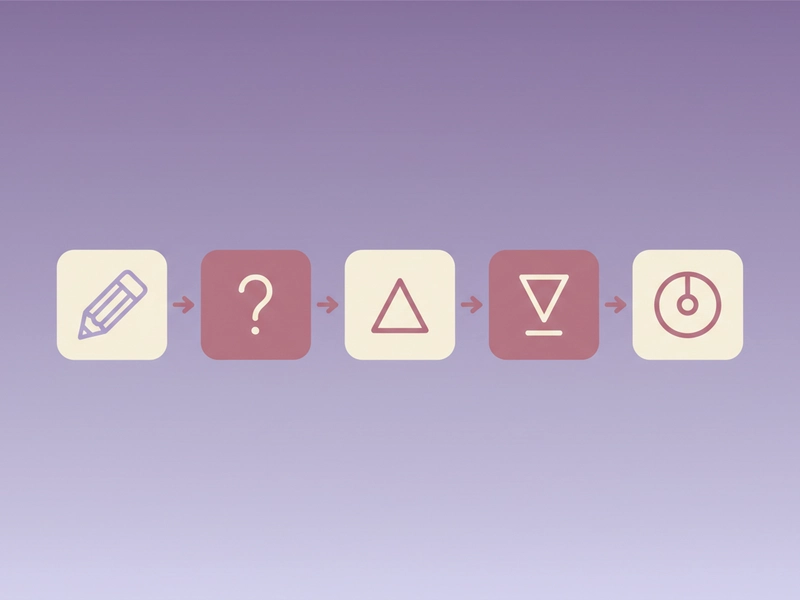
Write a clue for a puzzle hunt by converting a short phrase into five-symbol A/B groups. Use modern 26-letter mode for standard English. Keep groups separated by spaces so solvers can count five symbols per letter easily. This is for puzzles, not security, and works well for printed clue sheets.
Decode an A/B message from a worksheet
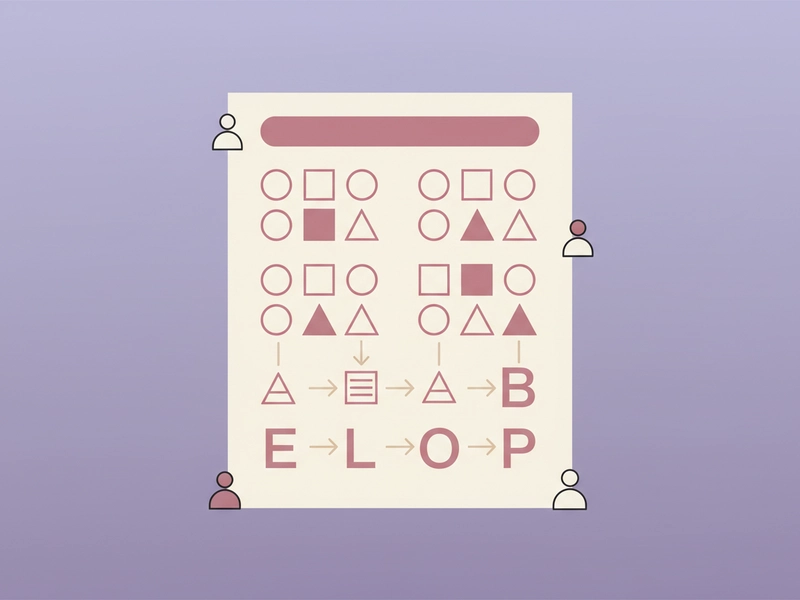
Paste a string of A and B characters from a classroom worksheet into the input. Select the same alphabet mode used by the worksheet. The tool groups the symbols in fives and maps them back to letters. This helps check answers without manual table lookup.
Compare modern and historical alphabets
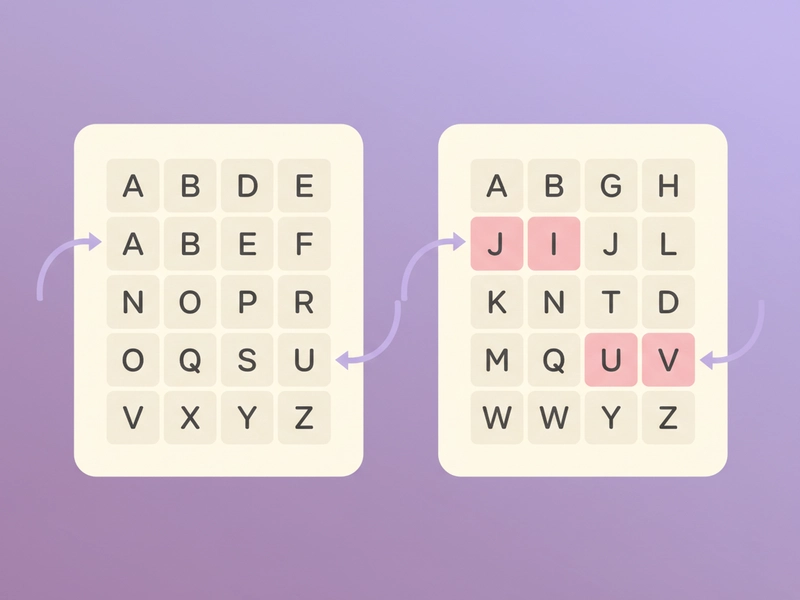
Encode the same word twice, once with modern 26-letter mode and once with the historical 24-letter I/J and U/V merged alphabet. Compare how letters like J and V change. This shows why the selected alphabet must match the source before decoding. It is a quick classroom demonstration.
Create a themed puzzle handout
Turn a short answer into Bacon cipher text for a printable handout. Add the A/B groups below a puzzle prompt. Provide the alphabet mode and a decoding table if needed. The cipher is for entertainment and puzzle design, not for protecting sensitive data. It works best for short phrases.
What you can do
Explore the Bacon Cipher Translator features and supported options.
Encode letters to A/B groups
Convert English text into five-symbol Bacon cipher groups. Choose modern 26-letter mode or historical 24-letter mode with I/J and U/V merged. The local tool runs in your browser without login or credits.
Decode A/B groups to text
Read strings of A and B symbols as Bacon cipher. The tool counts five symbols per letter and ignores spaces or line breaks for grouping. Select the correct alphabet mode before decoding.
Switch alphabet modes
Use modern 26-letter mapping for separate I/J and U/V, or historical 24-letter mapping for merged pairs. This helps match classroom worksheets, puzzle sources, and older cipher descriptions.
Copy, download, reset
Use the interface buttons to copy the result, download a text file, load an example, or reset the fields. No account is needed because the cipher transformation stays in your browser.
Frequently asked questions
Related tools
Caesar Cipher Translator
Shift letters by 0–25 positions; preserve case and punctuation.
ROT13 TranslatorApply the reversible 13-position Latin letter substitution.
Tap Code TranslatorUse the 5×5 C/K merged grid. Encode letters as row.column pairs with / between words; decode dot-tap pairs or coordinates.
Polybius Square TranslatorUse a 5×5 I/J merged square and row-column coordinates.
How to use this tool
Step 1: Choose the alphabet mode
Select modern 26-letter mode for separate I/J and U/V, or historical 24-letter mode for merged pairs. The mode must match the text or cipher you are working with. If unsure, start with modern mode for English.
Step 2: Enter text or A/B groups
Type or paste your input. For encoding, enter letters. For decoding, enter A and B symbols, with or without spaces. The tool reads five symbols per letter and ignores line breaks and non-A/B separators during decoding.
Step 3: Translate and copy result
Press Translate to see the converted output. Check the result against the selected alphabet mode. Use Copy, Download, Example, or Reset as needed. The local tool works in your browser without login or credits. It never requires credits.
Try this tool
Encode or decode a short Bacon cipher message using the alphabet mode that matches your puzzle.