Polybius Square Translator
Encode letters as row-column coordinates or decode coordinates back to text with a local 5×5 Polybius square where I and J share one cell.
0 / 10,000 characters
Examples
These illustrative outputs use the default 5×5 square with I/J merged and row-column coordinates. Results are not guaranteed for mixed characters; only A–Z letters map to cells.
English
HELLO
Translation
23 15 31 31 34
Forward conversion with default settings
English
WORLD
Translation
52 34 42 31 14
Forward conversion with default settings
English
GOOD DAY
Translation
22 34 34 14 / 14 11 54
Forward conversion with default settings
English
SECRET
Translation
43 15 13 42 15 44
Forward conversion with default settings
English
MEET ME
Translation
32 15 15 44 / 32 15
Forward conversion with default settings
English
FRIEND
Translation
21 42 24 15 33 14
Forward conversion with default settings
Understand this tool
Fixed coordinate mapping
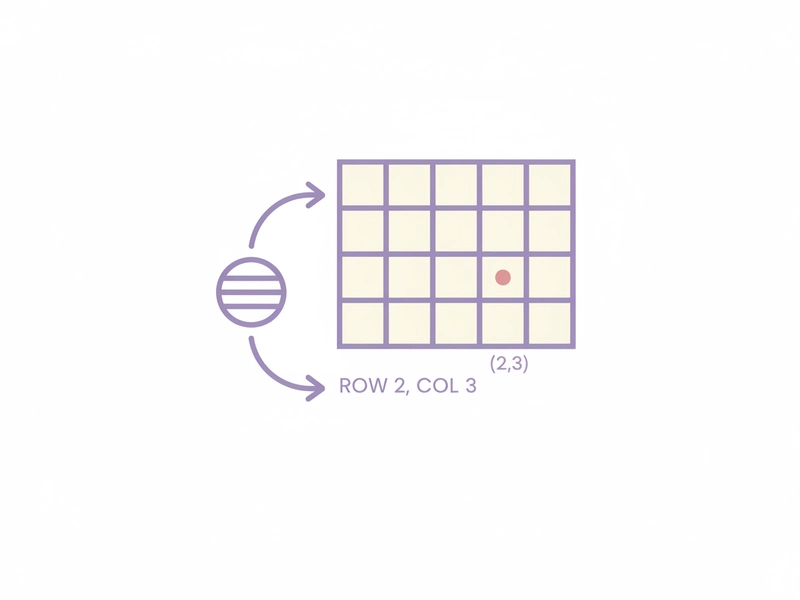
A Polybius square turns letters into row-column coordinates. In a 5×5 grid, the row number comes first and the column number second. The layout is fixed, so the same input always produces the same coordinate pairs. This makes the cipher useful for puzzles and basic letter substitution.
Why I and J merge
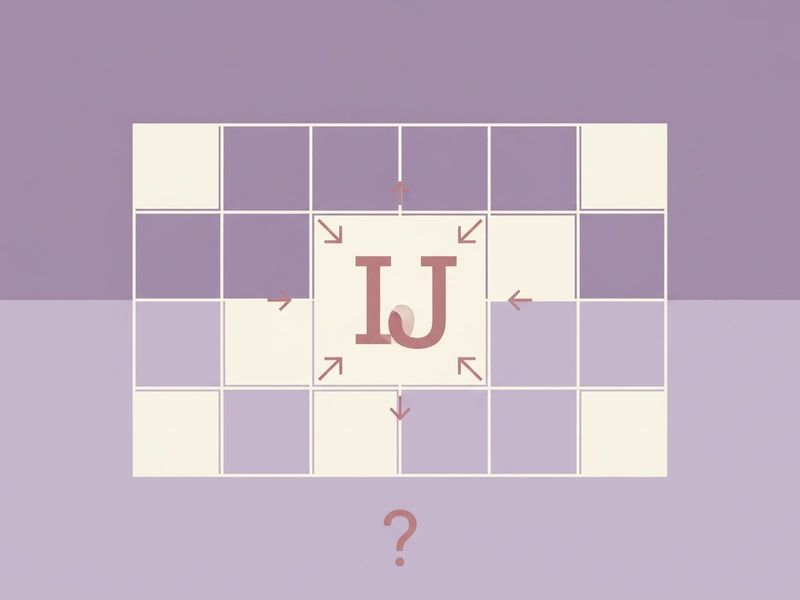
A 5×5 square provides 25 cells but the Latin alphabet has 26 letters. To fit the alphabet, I and J share one cell. When decoding that cell, the output can be I or J, so context or the original message is needed to choose between them.
Reference guide
| Input | Rule | Result |
|---|---|---|
| A | Row 1, column 1 | 11 |
| J | Shares I cell | 24 |
| Z | Row 5, column 5 | 55 |
5×5 grid and I/J merge
The square has five rows and five columns, giving 25 cells for 26 Latin letters. I and J share one cell, usually the fourth cell of row 2. Each other letter has a fixed row-column pair. This is a puzzle cipher, not a security method.
Encoding and decoding coordinates
To encode, replace each A–Z letter with its row and column numbers. To decode, split the coordinate string into two-digit pairs and look up each pair in the same square. The process is reversible when both sides use the same I/J-merged layout.
| Input | Rule | Result |
|---|---|---|
| HELLO | H=23, E=15, L=31, O=34 | 23 15 31 31 34 |
| 23 15 31 31 34 | Split into pairs and look up | HELLO |
| 24 | I/J cell | I or J |
Ways to use this tool
Create classroom coordinate puzzles
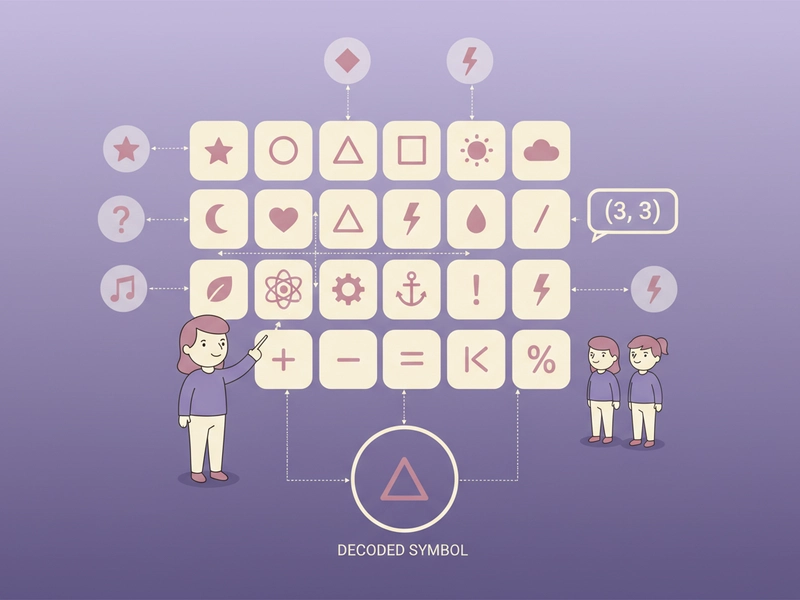
Teachers can write a short message, encode it with the 5×5 Polybius square, and give students the coordinate pairs. Students decode by finding each row and column in the grid. It works as a simple exercise for row-column reading, letter mapping, and the I/J merge rule.
Build escape room clues
Puzzle makers can encode a room code, hint, or final instruction as Polybius coordinates. Because the tool runs locally, the plaintext and result stay in the browser. The coordinate string can be printed on a card, hidden in a prop, or written on a whiteboard.

Practice coordinate decoding
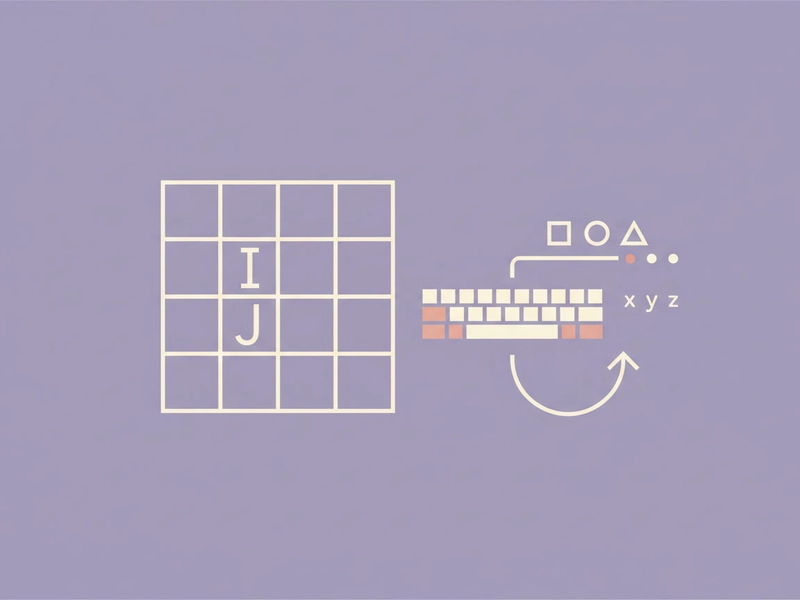
Learners can type a random A–Z word, encode it, then reset and try to decode the coordinate output without looking at the original word. This reinforces the row-first, column-second order and shows how I and J share one cell. It is a short self-check activity for cipher practice.
Make simple letter puzzles
Writers can turn a short phrase into coordinate pairs for a newsletter, party game, or personal puzzle. The result is not encryption and should not protect sensitive data. It is best for harmless wordplay where the reader knows the 5×5 I/J-merged square and the row-column convention.
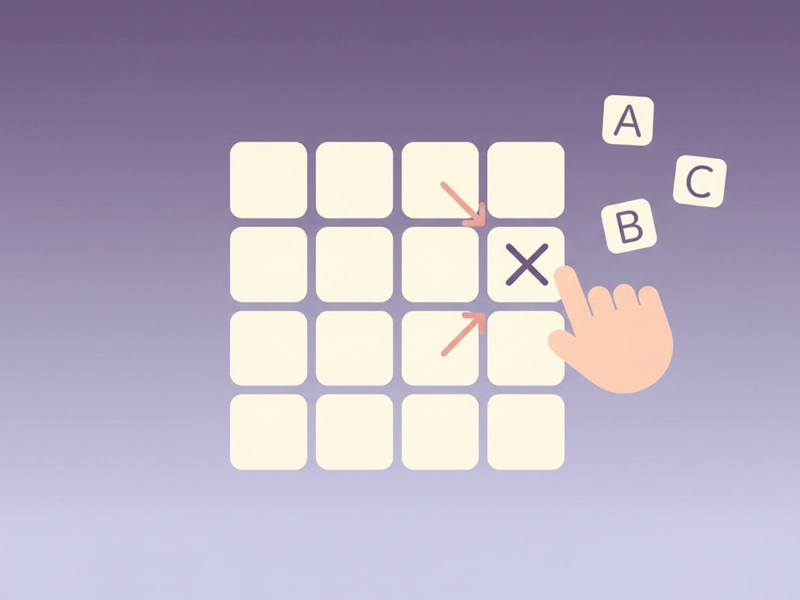
What you can do
Explore the Polybius Square Translator features and supported options.
Encode letters locally
Type A–Z letters and convert each one to its row-column coordinates in a 5×5 Polybius square. The grid merges I and J, so 25 cells cover the alphabet. Processing happens in the browser, with no login or credits.
Decode coordinate pairs
Paste row-column pairs such as 23 15 31 31 34 and map each pair back to a letter. The decoder uses the same I/J-merged square as the encoder. If a pair lands in the I/J cell, the result shows I/J.
Use copy, download, example, reset
The interface provides copy, download, example, and reset controls. Copy places the result on your clipboard, download saves the result, example fills a sample input, and reset clears the fields so you can start again.
Switch between encode and decode
Use the input area to work with letters or coordinates. The result field shows the converted form: coordinate pairs for letters, or letters for valid two-digit pairs. No account is required, and the result remains in your browser session unless you copy or download it.
Frequently asked questions
Related tools
Caesar Cipher Translator
Shift letters by 0–25 positions; preserve case and punctuation.
ROT13 TranslatorApply the reversible 13-position Latin letter substitution.
Tap Code TranslatorUse the 5×5 C/K merged grid. Encode letters as row.column pairs with / between words; decode dot-tap pairs or coordinates.
Bacon Cipher TranslatorUse five A/B symbols per letter; select modern 26-letter or historical 24-letter I/J and U/V merged alphabet.
How to use this tool
Step 1: Enter letters or coordinates
Type an A–Z word or phrase to encode, or paste two-digit row-column pairs to decode. Lowercase letters are treated as uppercase. Characters outside the square, such as spaces or punctuation, are not converted.
Step 2: Run the conversion
Press the Convert button. The tool maps each letter to its row-column pair, or each valid pair back to a letter, using the 5×5 I/J-merged square. The result appears in the output field.
Step 3: Copy, download, or reset
Use copy to place the result on your clipboard, download to save the result, example to load a sample, or reset to clear both fields. The conversion stays in the browser and needs no login.
Try this tool
Encode HELLO to 23 15 31 31 34 or paste coordinates to decode them with the local 5×5 Polybius square.