Text and UTF-8 Hex Converter with Two-Way Review
Choose text-to-hex or hex-to-text and compare both panels. This implementation uses an AI model rather than a deterministic local codec, so verify exact bytes with a trusted programming-language or command-line utility.
Text
0 / 500
UTF-8 Hex
The AI conversion draft will appear here...
Text to Hex Converter Examples
See how our tool converts everyday English sentences into hexadecimal code. Each example shows the original text and its hex output, helping you understand the conversion process across different scenarios.
English
The cat sat on the mat and looked at the bird flying in the sky.
Translation
54 68 65 20 63 61 74 20 73 61 74 20 6F 6E 20 74 68 65 20 6D 61 74 20 61 6E 64 20 6C 6F 6F 6B 65 64 20 61 74 20 74 68 65 20 62 69 72 64 20 66 6C 79 69 6E 67 20 69 6E 20 74 68 65 20 73 6B 79 2E
Simple sentence about animals
English
I enjoy learning new things every day, especially about computers.
Translation
49 20 65 6E 6A 6F 79 20 6C 65 61 72 6E 69 6E 67 20 6E 65 77 20 74 68 69 6E 67 73 20 65 76 65 72 79 20 64 61 79 2C 20 65 73 70 65 63 69 61 6C 6C 79 20 61 62 6F 75 74 20 63 6F 6D 70 75 74 65 72 73 2E
Personal interest statement
English
Please enter your username and password to log in.
Translation
50 6C 65 61 73 65 20 65 6E 74 65 72 20 79 6F 75 72 20 75 73 65 72 6E 61 6D 65 20 61 6E 64 20 70 61 73 73 77 6F 72 64 20 74 6F 20 6C 6F 67 20 69 6E 2E
Login prompt
English
The price of the item is $19.99, which includes tax.
Translation
54 68 65 20 70 72 69 63 65 20 6F 66 20 74 68 65 20 69 74 65 6D 20 69 73 20 24 31 39 2E 39 39 2C 20 77 68 69 63 68 20 69 6E 63 6C 75 64 65 73 20 74 61 78 2E
Price with special character
English
My email address is example@domain.com, please send a reply.
Translation
4D 79 20 65 6D 61 69 6C 20 61 64 64 72 65 73 73 20 69 73 20 65 78 61 6D 70 6C 65 40 64 6F 6D 61 69 6E 2E 63 6F 6D 2C 20 70 6C 65 61 73 65 20 73 65 6E 64 20 61 20 72 65 70 6C 79 2E
Email address example
English
I am learning how to code in Python and JavaScript.
Translation
49 20 61 6D 20 6C 65 61 72 6E 69 6E 67 20 68 6F 77 20 74 6F 20 63 6F 64 65 20 69 6E 20 50 79 74 68 6F 6E 20 61 6E 64 20 4A 61 76 61 53 63 72 69 70 74 2E
Programming language learning
Fun Facts About Hexadecimal
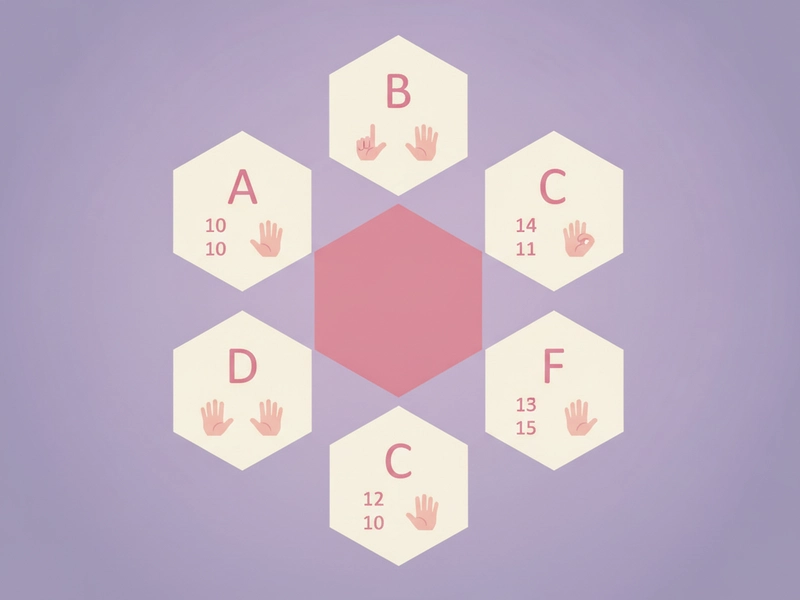
Letters A-F Stand for 10-15
Hexadecimal uses sixteen digit symbols: 0–9 for values zero through nine and A–F for values ten through fifteen. Four binary bits have sixteen possible patterns, so one hex digit can display one four-bit value compactly. Letter case normally does not change the numeric value, though a format may require a particular style.
One Hex Digit Equals Four Bits
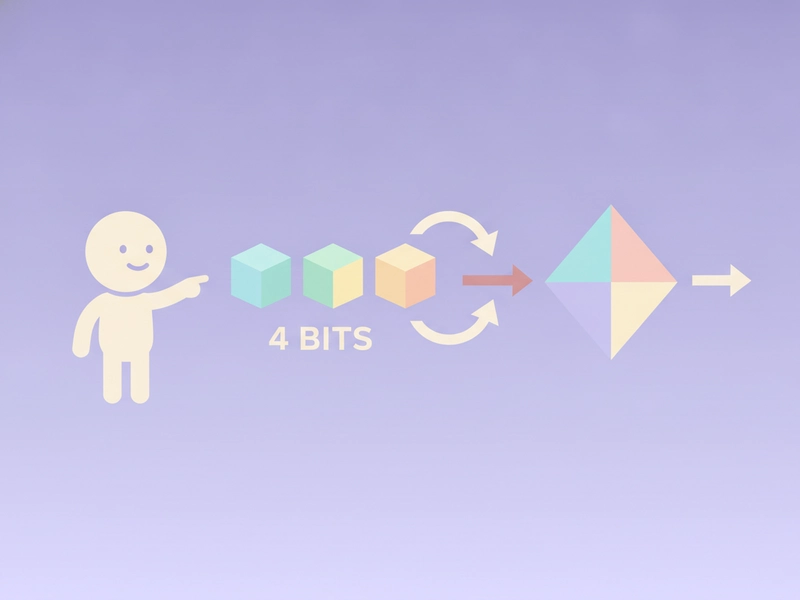
In computing, a nibble is half a byte, or four bits. Since four bits can represent 16 values (0-15), one hex digit perfectly encodes a nibble. This is why memory dumps and MAC addresses use hex: two hex digits make one byte, simplifying reading binary data.
Reference Tables for Hex Conversion
| Character | ASCII (dec) | Hexadecimal |
|---|---|---|
| Space | 32 | 20 |
| 0 | 48 | 30 |
| A | 65 | 41 |
| Z | 90 | 5A |
| a | 97 | 61 |
| z | 122 | 7A |
| ! | 33 | 21 |
| ? | 63 | 3F |
ASCII – Hexadecimal Conversion Table (Printable Characters)
This table lists common printable ASCII characters (codes 32-126) including the space character, with their corresponding decimal and hexadecimal values. Use it to manually convert any character from space to tilde, or to verify the output of any hex converter.
Common Control Characters Hex Reference
Control characters like newline, tab, carriage return, and null are invisible but crucial in data formatting and transmission. This reference shows their hexadecimal representations (in UTF-8) to help you debug text files, network protocols, or binary streams when analyzing raw data.
| Control Name | Abbreviation | Hex (UTF-8) |
|---|---|---|
| Null | NUL | 00 |
| Start of Heading | SOH | 01 |
| Start of Text | STX | 02 |
| Horizontal Tab | HT | 09 |
| Line Feed | LF | 0A |
| Carriage Return | CR | 0D |
| Space | SP | 20 |
| Delete | DEL | 7F |
Discover More About Hexadecimal
History of Hexadecimal
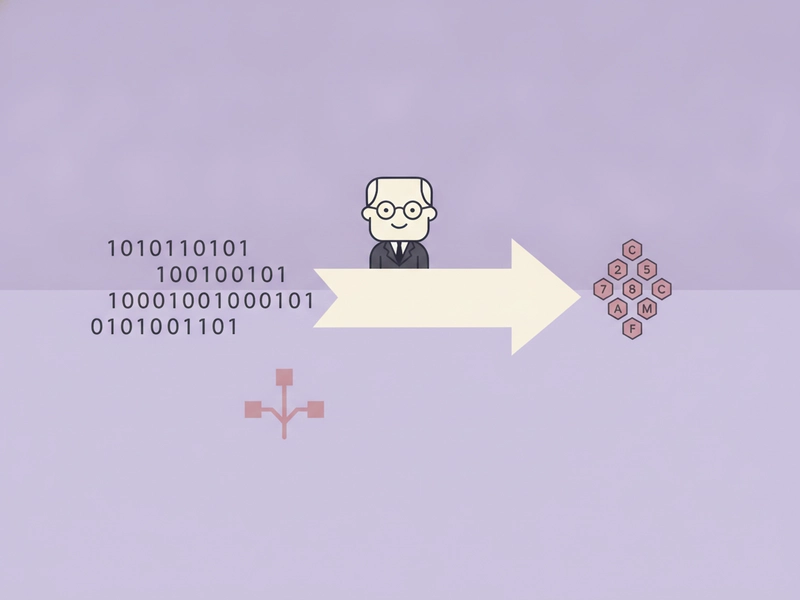
Base-sixteen notation became useful in computing because each hex digit corresponds neatly to four binary bits. Earlier machines and documentation also used octal and other conventions, so there was no single universal adoption event. Today, hexadecimal is a representation chosen by software and specifications; it does not reveal the character encoding or data type by itself.
Hexadecimal in Computer Memory
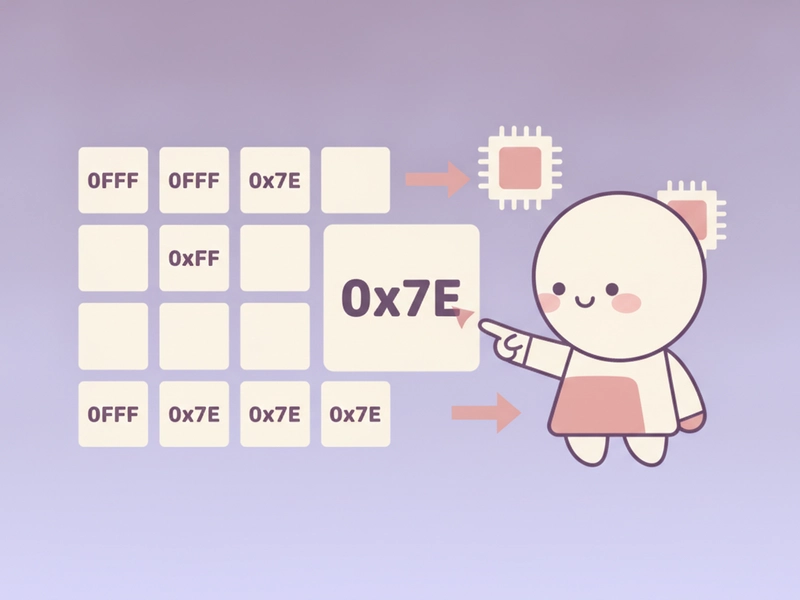
Debuggers and memory viewers commonly display addresses and byte values in hexadecimal because the notation groups binary data compactly. Two hex digits can represent one byte value, while an address may contain several bytes and depends on the architecture. Always distinguish an address, an integer, raw bytes, and text encoded as bytes when interpreting a dump.
Hexadecimal in Color Codes
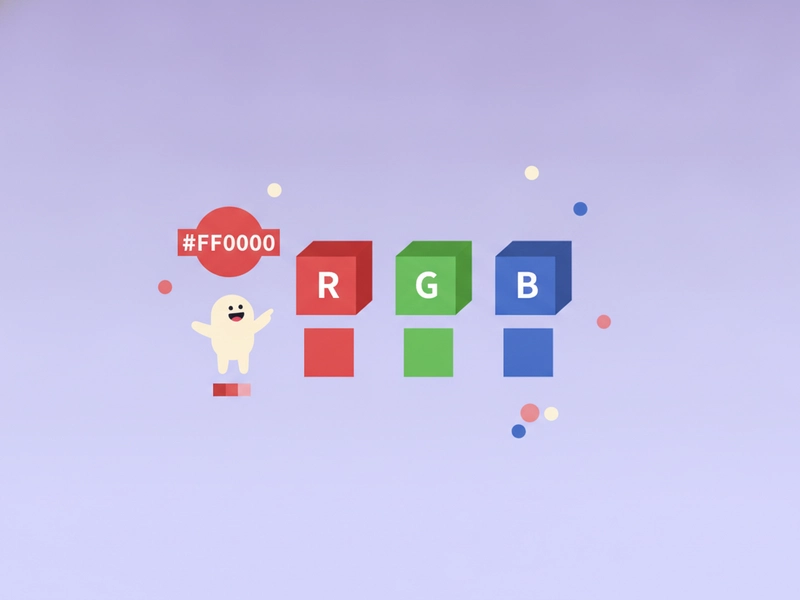
CSS hexadecimal color notation can express red, green, and blue components with pairs from 00 to FF, as in #RRGGBB. CSS also defines shorter and alpha-channel forms. This notation resembles a byte display but belongs to a color syntax, so a text-to-hex conversion is not the same operation as choosing or converting a color value.
Hexadecimal in Networking
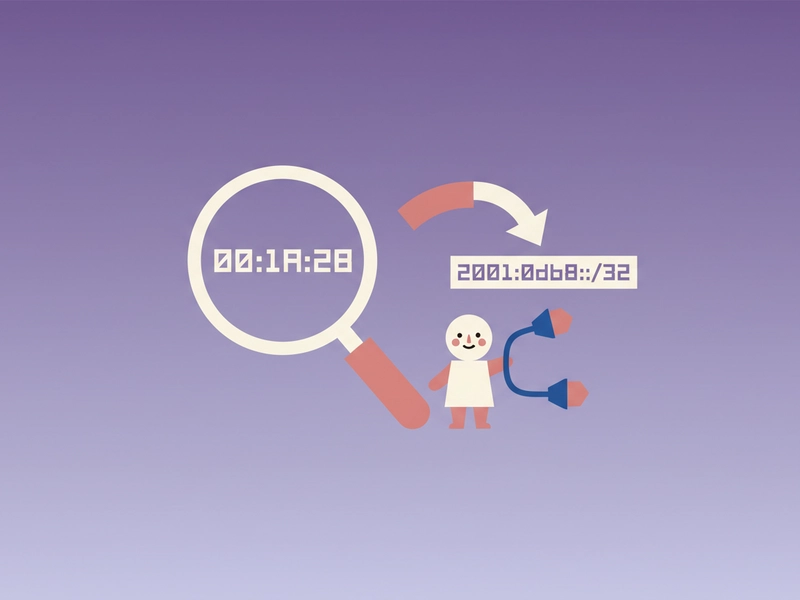
Networking formats often display fields in hexadecimal, including conventional MAC-address notation, IPv6 groups, and packet bytes in diagnostic tools. The notation alone does not guarantee that an identifier is globally unique, reveal its meaning, or make data secure. Interpret each field with the relevant protocol specification rather than treating every hex string as encoded text.
Text and Hex Review Features
Two-Panel Workflow
The source stays on the left while the AI-generated conversion appears on the right after submission. Side-by-side review helps manually locate missing byte pairs, separators, whitespace, or characters before independent verification with a deterministic codec.
Direction Control (Encode/Decode)
Switch explicitly between UTF-8 text-to-hex and hex-to-text. The selected direction updates both panel labels and determines the server-owned instruction, while reverse mode should report invalid byte pairs instead of guessing replacement characters or silently changing bytes.
Copyable Text Output
Copy the reviewed plain-text result from the output panel after verification. Preserve spaces between byte pairs when a destination expects them, or deliberately normalize the representation with a trusted codec for that destination. The copy action does not transform the value.
AI-Generated Draft Notice
The conversion is generated by an AI model and can vary or be wrong even when the request is deterministic. Verify every result with a local UTF-8 API, test vector, or command-line utility before production use.
Frequently Asked Questions
Review encoding assumptions and verify byte-sensitive output.
Explore More Translator Tools
Check out these related translation and AI tools to enhance your experience
How to use text to hex converter
Choose a direction, preserve the exact input, and verify the AI-generated byte sequence with a deterministic codec before relying on it.
Step 1: Enter Text
Enter text or hexadecimal byte pairs within the displayed 500-character limit. Preserve spaces, line breaks, capitalization, and punctuation because each difference can change the UTF-8 byte sequence or decoded result.
Step 2: Translate
Select text-to-hex or hex-to-text, then choose Convert. The model returns a draft only after submission; reverse mode expects contiguous pairs or pairs separated by spaces and should reject malformed bytes.
Step 3: Copy and Use
Compare the source and output, then verify it with a deterministic UTF-8 codec. Copy the reviewed result only after checking every byte pair, separator, non-ASCII character, and invalid-input condition carefully.
Compare Text and UTF-8 Hex Side by Side
Request a short conversion draft, then verify every byte with a deterministic codec before placing the result in code, a protocol, a test fixture, or a file.