Caesar Cipher Translator
Shift letters by 0–25 positions locally in your browser. Preserve case, spaces, and punctuation. This tool does not send text to a server.
0 / 10,000 characters
Examples
Examples show the shift values and the resulting local cipher output. These outputs are illustrative; the same input and shift always reproduce them.
English
HELLO
Translation
KHOOR
Forward conversion with default settings
English
WORLD
Translation
ZRUOG
Forward conversion with default settings
English
GOOD DAY
Translation
JRRG GDB
Forward conversion with default settings
English
SECRET
Translation
VHFUHW
Forward conversion with default settings
English
MEET ME
Translation
PHHW PH
Forward conversion with default settings
English
FRIEND
Translation
IULHQG
Forward conversion with default settings
Understand this tool
Substitution cipher
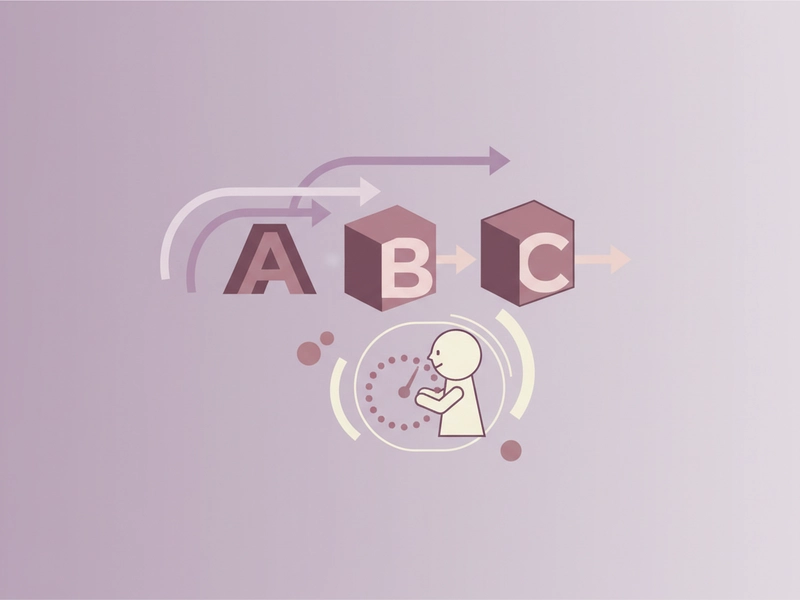
A Caesar cipher is a substitution cipher that replaces each letter with another letter a fixed number of positions away in the alphabet. Because it has only 25 useful shifts, it is easy to try every key by hand or with a simple script.
ROT13
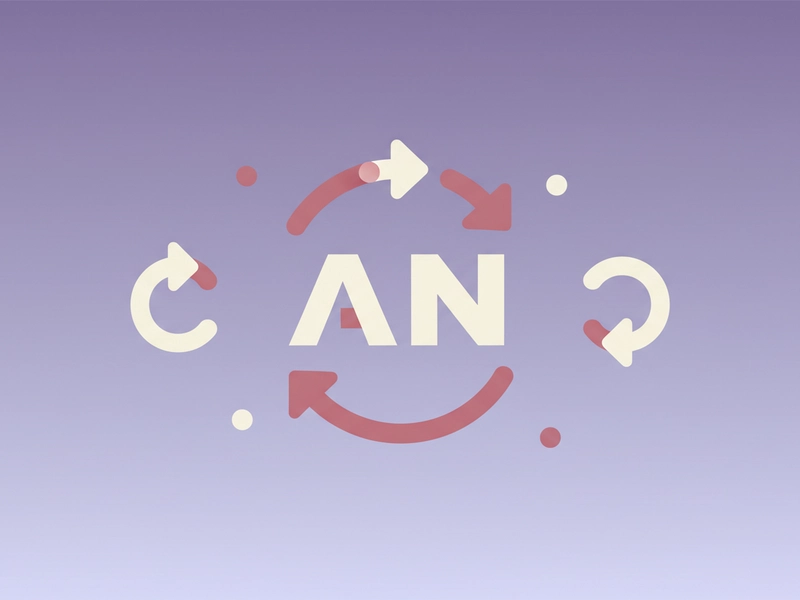
ROT13 is a Caesar shift of 13. Because the alphabet has 26 letters, applying ROT13 twice returns the original text. It is often used in online puzzles and casual forums, but it does not provide meaningful security.
Reference guide
| Input | Rule | Result |
|---|---|---|
| A | Shift 3 | D |
| Z | Shift 3 | C |
| a | Shift 1 | b |
Shift values and alphabet wrap
A Caesar cipher moves each English letter forward or backward by a fixed number of positions. The shift can be 0 to 25. After Z, the alphabet wraps to A; before A, it wraps to Z. Non-letter characters are not shifted.
Case, spaces, and punctuation
Only letters A–Z and a–z are transformed. Uppercase letters stay uppercase, lowercase letters stay lowercase, and spaces remain spaces. Digits, commas, periods, question marks, and other symbols are copied unchanged. This makes the output predictable for short puzzle text.
| Input | Rule | Result |
|---|---|---|
| Hello! | Shift 2 | Jgnnq! |
| ABC-123 | Shift 4 | EFG-123 |
| Zz Yy | Shift 5 | Ee Dd |
Ways to use this tool
Puzzle and escape room clues
Create a short message for a puzzle or escape room by choosing a shift such as 3 or 13. Players can decode it manually or with the inverse shift. Keep the text brief so the letter-by-letter transformation stays easy to check. This works well for paper handouts.
Classroom alphabet practice
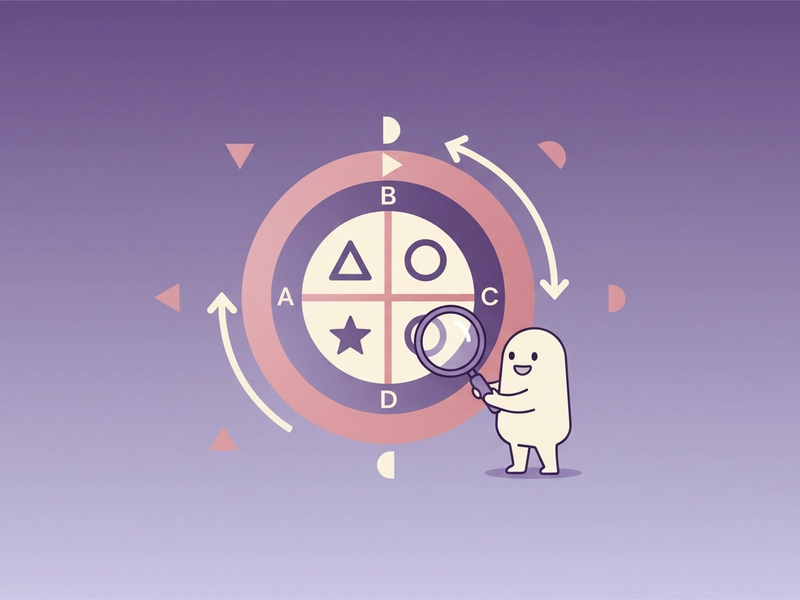
Use the tool to show how letters wrap from Z to A and how uppercase and lowercase are handled separately. Students can predict a shifted word, then check the result. The deterministic output makes it simple to discuss each letter change. No account is needed for this local tool.
Board game and tabletop props
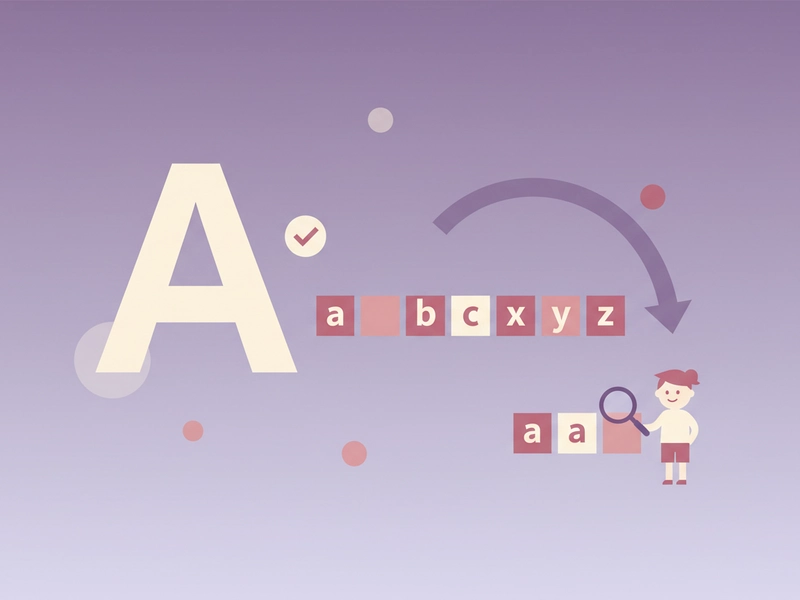
Write names, locations, or item labels in a Caesar shift for a tabletop game. Choose a shift that matches the difficulty you want. Players can use the same tool with the inverse shift to read the text during play. Printed cards and notes stay readable only after decoding.
Quick ROT13 checks
Test a ROT13 string by entering it with shift 13. Because ROT13 is its own inverse, applying the same shift again restores the original text. This is useful for checking forum posts, puzzle answers, or notes that use ROT13. No login or credits are needed for this local operation.
What you can do
Explore the Caesar Cipher Translator features and supported options.
Shift letters 0–25
Choose a shift from 0 to 25 and transform English letters. The alphabet wraps after Z and before A, so every shift stays within the 26-letter alphabet.
Keep case and punctuation
Uppercase and lowercase letters are shifted while keeping their case. Spaces, digits, commas, periods, question marks, and other non-letter characters pass through unchanged.
Local browser processing
The translation runs in your browser. Your input text is not sent to a server for this tool, so you can test short puzzle strings without creating an account.
Copy, download, reset
Use the interface buttons to copy the result, download it as text, load the example, or reset the input and output fields. This helps when preparing short puzzle notes.
Frequently asked questions
Related tools
ROT13 Translator
Apply the reversible 13-position Latin letter substitution.
Tap Code TranslatorUse the 5×5 C/K merged grid. Encode letters as row.column pairs with / between words; decode dot-tap pairs or coordinates.
Bacon Cipher TranslatorUse five A/B symbols per letter; select modern 26-letter or historical 24-letter I/J and U/V merged alphabet.
Polybius Square TranslatorUse a 5×5 I/J merged square and row-column coordinates.
How to use this tool
Step 1: Enter your text
Type or paste the message into the input box. The tool works with English letters and preserves spaces and punctuation. Keep examples short when testing different shifts. You can use the example button to load a sample string.
Step 2: Choose a shift
Set a shift from 0 to 25. For a standard Caesar shift, try 3. For ROT13, choose 13. To decode, use 26 minus the original shift. The output updates when you apply the shift. Shift 0 leaves the text unchanged.
Step 3: Read and reuse the result
View the shifted text in the result area. Use copy to place it on your clipboard, download to save it as a text file, or reset to clear both fields and start again. Check a short sample before using a longer message.
Try this tool
Enter your text, choose a shift from 0 to 25, and read the Caesar cipher result locally in your browser.