T9 Translator
Convert A–Z letters to phone digits 2–9 and map spaces to 0. Reverse digits to letter groups, not guessed words, in your browser.
0 / 10,000 characters
Examples
Examples use the fixed T9 mapping. Forward mode replaces A–Z letters with digits 2–9 and spaces with 0. Reverse mode shows all possible letters for each digit, not guessed words.
English
HELLO
Translation
43556
Forward conversion with default settings
English
WORLD
Translation
96753
Forward conversion with default settings
English
GOOD DAY
Translation
46630329
Forward conversion with default settings
English
HOME
Translation
4663
Forward conversion with default settings
English
CALL ME
Translation
2255063
Forward conversion with default settings
English
FRIEND
Translation
374363
Forward conversion with default settings
Understand this tool
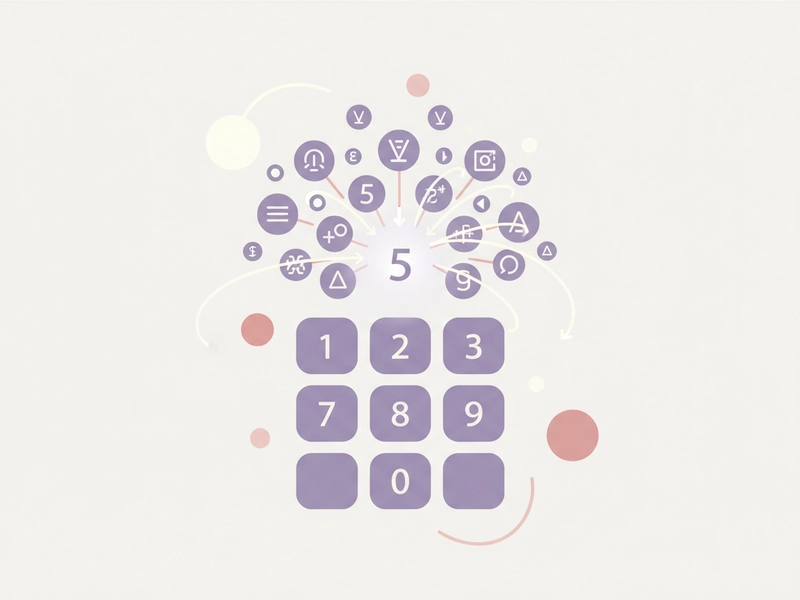
One digit, many letters
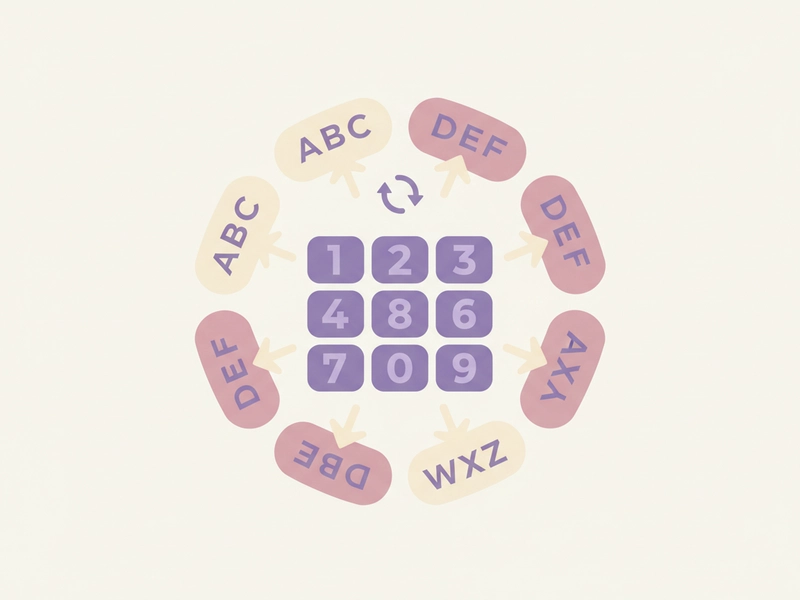
On a phone keypad, digits 2 through 9 each represent three or four letters. Because several letters share a digit, a T9 number string can match many possible letter sequences. Reverse mode therefore shows letter groups instead of a single decoded word.
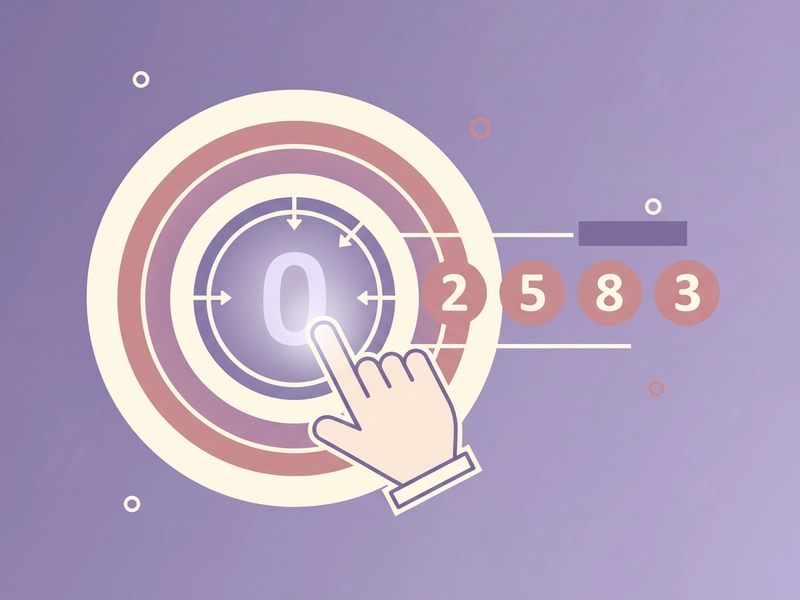
0 as a space marker
This T9 Translator uses 0 for spaces. That choice keeps the output as digits only when encoding text. On reverse, 0 is displayed as the space marker so you can see where spaces occurred in the original digit string.
Reference guide
| Input | Rule | Result |
|---|---|---|
| A | A maps to 2 | 2 |
| HELLO | Each letter uses its key | 43556 |
| HELLO WORLD | Space maps to 0 | 43556096753 |
Letter-to-digit mapping
T9 Translator uses the standard phone keypad groups: 2 ABC, 3 DEF, 4 GHI, 5 JKL, 6 MNO, 7 PQRS, 8 TUV, 9 WXYZ. Spaces become 0. The table shows how a few inputs are converted. It is a direct substitution, not encryption.
Reverse digit output
Reverse mode returns all letters assigned to each digit. It does not use a dictionary or guess words. For example, 43556 becomes 4: GHI, 3: DEF, 5: JKL, 5: JKL, 6: MNO. The table shows a few reverse results. Digits 0 are shown as space.
| Input | Rule | Result |
|---|---|---|
| 43556 | Show letters for each digit | 4: GHI | 3: DEF | 5: JKL | 5: JKL | 6: MNO |
| 2255063 | 0 indicates a space | 2: ABC | 2: ABC | 5: JKL | 5: JKL | 0: space | 6: MNO | 3: DEF |
| 6338028 | No word guessing | 6: MNO | 3: DEF | 3: DEF | 8: TUV | 0: space | 2: ABC | 8: TUV |
Ways to use this tool
Encode keypad puzzles
If you write a puzzle that uses phone keypad numbers, enter a phrase to get its T9 digit string. Use the result as a clue or check an answer. The fixed mapping keeps puzzles reproducible, and reverse mode shows possible letters without inventing a word list.
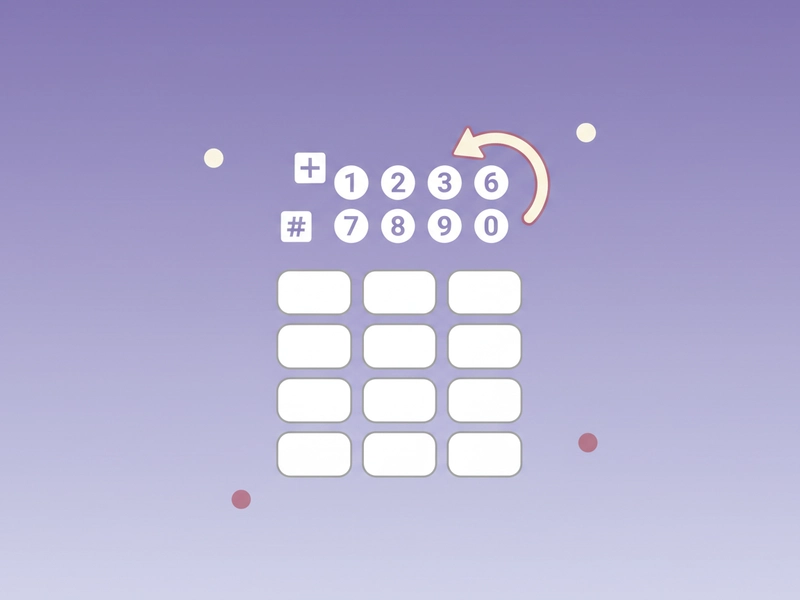
Decode T9 number clues
When you find a string like 43556096753, paste it into reverse mode to see every letter group for each digit. You can then compare the groups with context or a word list you already have. The tool does not suggest words on its own. Reverse output is just the letter groups.
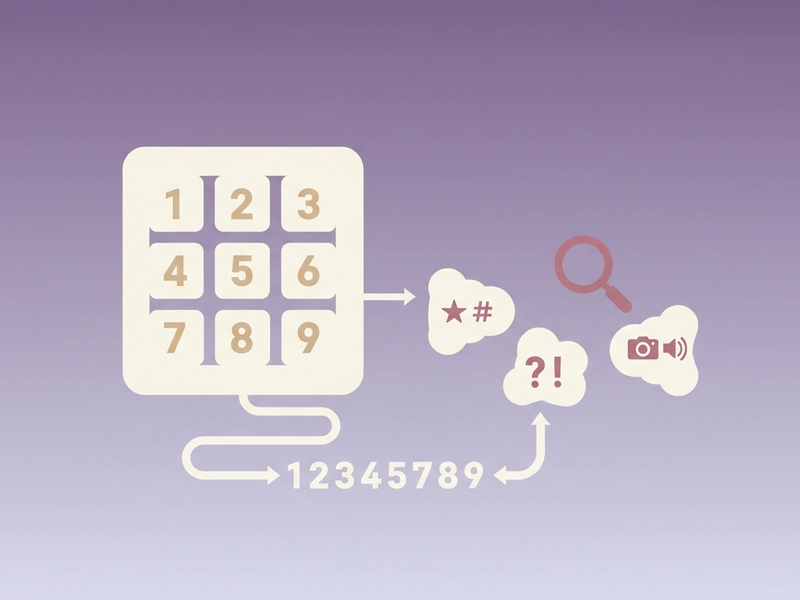
Teach letter-to-digit mapping
Use the tool to demonstrate how A–Z letters map to digits 2–9. Enter short examples such as HELLO WORLD and show the digit output. Then reverse a number string to discuss why one T9 string can represent many possible letter sequences. The mapping is fixed, so examples are reproducible.
Check a T9 code before sharing
If you plan to share a T9-style code, encode the intended text first and save or copy the result. You can reset and test variations. Remember that T9 is not encryption, so anyone with the mapping can reverse it to possible letters. Use it for puzzles, not sensitive data.
What you can do
Explore the T9 Translator features and supported options.
A–Z to 2–9 conversion
Enter uppercase or lowercase A–Z text and get the matching phone digits. Each letter uses its standard keypad group: ABC 2, DEF 3, GHI 4, JKL 5, MNO 6, PQRS 7, TUV 8, WXYZ 9.
Space becomes 0
Spaces in the input are converted to 0 in the digit output. This keeps the result as a digit string. In reverse mode, 0 is shown as a space marker so you can see where spaces occurred.
Reverse letter groups
Reverse mode takes a digit string and returns all possible letters for each digit. It does not guess words, use a dictionary, or provide ranked suggestions. You see the raw letter groups.
Copy, download, example, reset
The interface provides copy, download, example, and reset controls. Use example to load sample text, reset to clear both fields, copy to place the result on your clipboard, and download to save the result as text.
Frequently asked questions
Related tools
Caesar Cipher Translator
Shift letters by 0–25 positions; preserve case and punctuation.
ROT13 TranslatorApply the reversible 13-position Latin letter substitution.
Tap Code TranslatorUse the 5×5 C/K merged grid. Encode letters as row.column pairs with / between words; decode dot-tap pairs or coordinates.
Bacon Cipher TranslatorUse five A/B symbols per letter; select modern 26-letter or historical 24-letter I/J and U/V merged alphabet.
How to use this tool
Step 1: Enter text
Type or paste A–Z letters into the input field. Use spaces where you want a space in the encoded result. For reverse mode, enter a digit string using 0 and 2–9. The example button loads HELLO WORLD.
Step 2: Convert
Press Translate to apply the T9 mapping. Forward mode replaces letters with digits and spaces with 0. Reverse mode shows all possible letters for each digit. The result appears in the output field. No login or credits are used.
Step 3: Copy or download
Use copy to place the result on your clipboard, or download to save it as a text file. The Clear button clears both fields. The example button loads a sample so you can test the mapping.
Try this tool
Convert A–Z to T9 digits or reverse a digit string to letter groups. Runs locally in your browser.