Tiny Text Generator for Creative Text
The best tiny text generator for turning normal text into creative, minuscule lettering. Perfect for unique aesthetic purposes.
Normal Text
0 / 500
Tiny Text
Tiny text will appear here...
Tiny Text Generator Examples
See how regular text changes into small Unicode characters. These examples cover short captions, profile labels, usernames, and decorative notes that are easy to copy into social platforms, chat apps, documents, or design mockups.
English
Hello World
Translation
ᴴᵉˡˡᵒ ᵂᵒʳˡᵈ
Normal greeting converted into tiny text
English
New update today
Translation
ᴺᵉʷ ᵘᵖᵈᵃᵗᵉ ᵗᵒᵈᵃʸ
Update caption converted into tiny text
English
Profile note
Translation
ᴾʳᵒᶠᶦˡᵉ ⁿᵒᵗᵉ
Profile note converted into tiny text
English
Limited edition
Translation
ᴸᶦᵐᶦᵗᵉᵈ ᵉᵈᶦᵗᶦᵒⁿ
Product label converted into tiny text
English
Read the footnote
Translation
ᴿᵉᵃᵈ ᵗʰᵉ ᶠᵒᵒᵗⁿᵒᵗᵉ
Footnote prompt converted into tiny text
English
Tiny but loud
Translation
ᵀᶦⁿʸ ᵇᵘᵗ ˡᵒᵘᵈ
Creative phrase converted into tiny text
Master Tiny Text Usage with Confidence
| Feature | GuruTrans | Others |
|---|---|---|
| Tiny Unicode Conversion | Available | Varies |
| Copy-Paste Output | Available | Usually Available |
| Examples and Usage Notes | Included | Often Limited |
Comparison of Tiny Text Features
Compare the practical details that matter when choosing a tiny text generator for quick copy-paste use.
Best Uses and Limits
Tiny text is best for decorative accents, not long passages or accessibility-critical content.
| Use Case | Recommended | Why |
|---|---|---|
| Bio accents | Yes | Short and visually distinct |
| Long paragraphs | No | Harder to read |
| Legal or required text | No | Normal text is clearer |
Discover More About Tiny Text
Enhance Your Social Media
Use tiny text to make selected words stand out in bios, captions, pinned comments, or profile labels. It works best as an accent, so important information stays easy to scan.
Tiny Text in Creative Notes
Tiny text can add a subtle secondary voice to mood boards, private notes, digital planners, and concept drafts. Keep it away from required labels or accessibility-critical text.

Copy-Paste Unicode Style
The output is plain Unicode text, not a screenshot or custom font file. That makes it convenient for quick copy-paste use across social apps, chats, documents, and browser-based editors.
Format Checks Matter
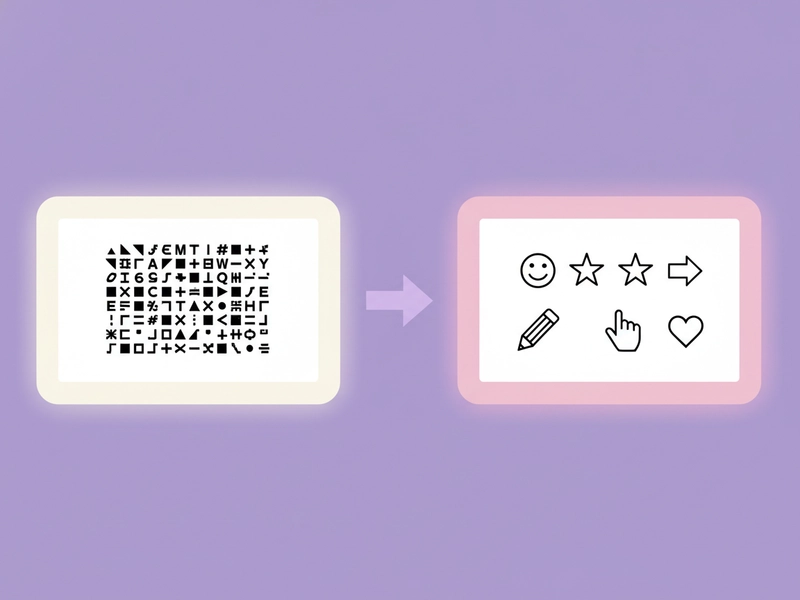
Most modern platforms support these characters, but display can vary by app, operating system, or font. Paste a small sample first when you are preparing text for a public post.

Key Features of Tiny Text Generator
Instant Unicode Conversion
Convert regular letters and numbers into tiny Unicode characters without setting up fonts or design software.
Local Text Styling
Tiny text generation runs as a direct character conversion, so short creative snippets can be styled quickly in the browser.
Copy-Paste Ready Output
The result is real text you can paste into bios, captions, comments, chats, and many document editors.
Examples and Usage Guidance
Examples, FAQs, and usage notes help you decide where tiny text is useful and where normal text is clearer.
Frequently Asked Questions
Have other questions? Feel free to contact us via email.
Explore More Translator Tools
Check out these related translation and AI tools to enhance your experience
How to Use Tiny Text Generator
Create tiny Unicode text in three quick steps, then copy the result into captions, bios, usernames, comments, or design drafts.
Step 1: Enter Your Text
Type or paste the words you want to style. Short labels, profile notes, usernames, captions, and decorative phrases usually work best because tiny Unicode characters are compact and visually detailed.
Step 2: Generate Tiny Text
Click the generate button to convert regular letters and numbers into small Unicode alternatives. The tool preserves spacing and punctuation where possible, so your message stays readable after conversion.
Step 3: Copy and Use
Copy the tiny text output and paste it wherever the destination supports Unicode characters. Preview the result after pasting, because some older apps and fonts may display certain symbols differently.
Try GuruTrans Tiny Text Generator Today
Experience the power of tiny text with GuruTrans. Transform your text in creative ways and captivate your audience.