Rail Fence Cipher Translator
Zigzag input characters across 2–12 rails to encode or decode a rail fence cipher. Spaces and punctuation count, and processing stays in your browser.
0 / 10,000 characters
Examples
Examples use short text with a stated rail count. Results are deterministic for the same input and rail count.
English
HELLO
Translation
HOELL
Forward conversion with default settings
English
WORLD
Translation
WDOLR
Forward conversion with default settings
English
GOOD DAY
Translation
G ODDYOA
Forward conversion with default settings
English
SECRET
Translation
SEERTC
Forward conversion with default settings
English
MEET ME
Translation
M ETMEE
Forward conversion with default settings
English
FRIEND
Translation
FNREDI
Forward conversion with default settings
Understand this tool
Transposition, not substitution
A rail fence cipher changes character order by writing along a zigzag and reading rows. It does not replace letters with other letters. Because the same characters are only rearranged, the output has exactly the same letter, space, and punctuation counts as the input when the rail count is valid.
Zigzag period
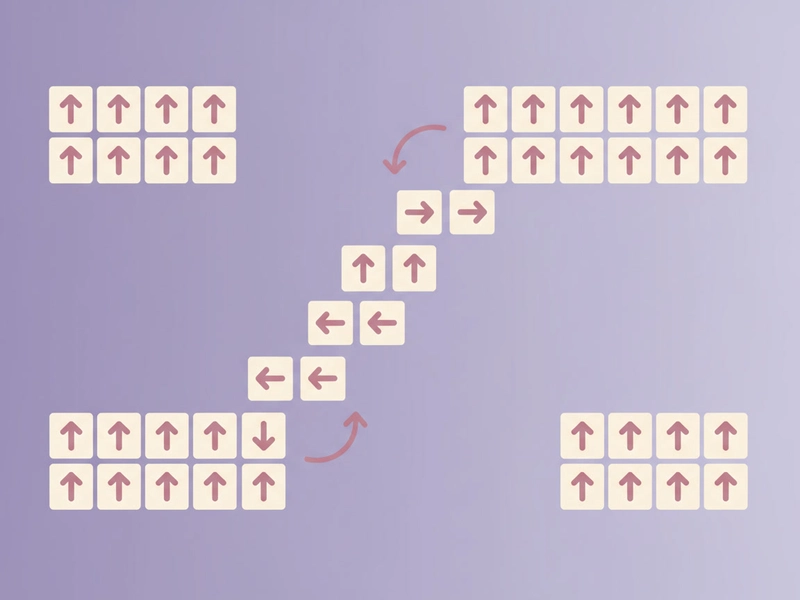
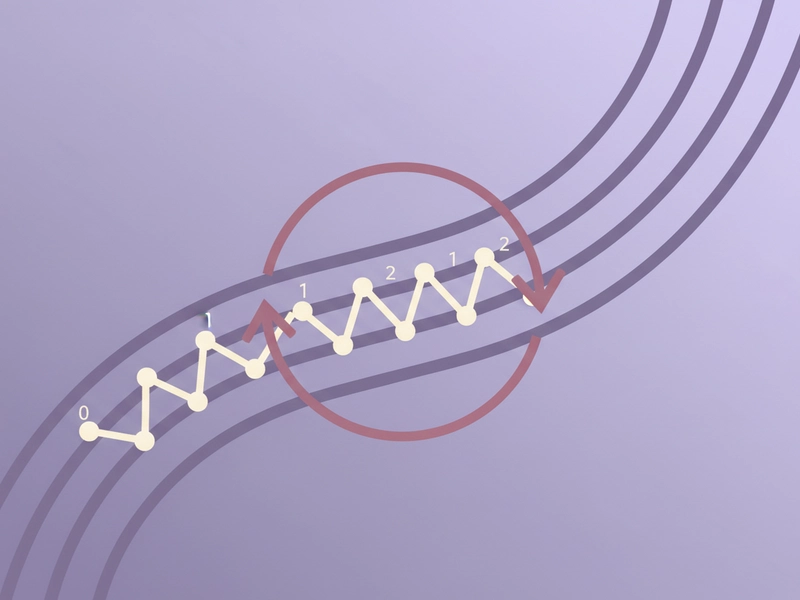
For a chosen number of rails, the zigzag repeats after 2 × (rails − 1) positions. With 3 rails the pattern is rail 0, 1, 2, 1, then repeats. This period determines row lengths and helps explain why different rail counts produce different results.
Reference guide
| Input | Rule | Result |
|---|---|---|
| HELLO | 2 rails encode | HLOEL |
| HELLO | 3 rails encode | HOELL |
| HELLO | 4 rails encode | HELOL |
Rail count changes the zigzag
Rail count controls how characters zigzag. With 2 rails the pattern alternates; with 3 or 4 rails it climbs and descends. Changing the rail count changes row lengths and character placement. The same plaintext therefore produces different ciphertext, and the same rail count is required to reverse it.
Spaces and punctuation count
Spaces and punctuation are treated as ordinary characters, so they occupy places in the zigzag. Do not delete them before decoding unless you removed them before encoding. This keeps short messages with commas, periods, question marks, or spaces reversible when the rail count matches.
| Input | Rule | Result |
|---|---|---|
| HI! | 2 rails encode | H!I |
| H!I | 2 rails decode | HI! |
| AB! | 2 rails encode | A!B |
Ways to use this tool
Puzzle and escape-room clues
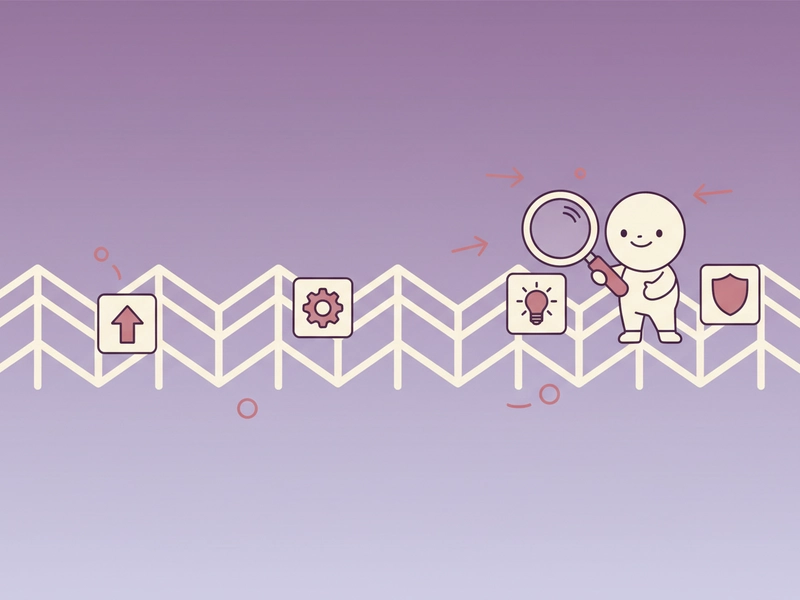
Create a short rail fence clue for a puzzle, scavenger hunt, or classroom activity. Encode a phrase with 2–12 rails, then share the ciphertext and rail count with solvers. Because spaces and punctuation are preserved, the recovered message can keep normal sentence structure without extra cleanup.
Classroom transposition demo
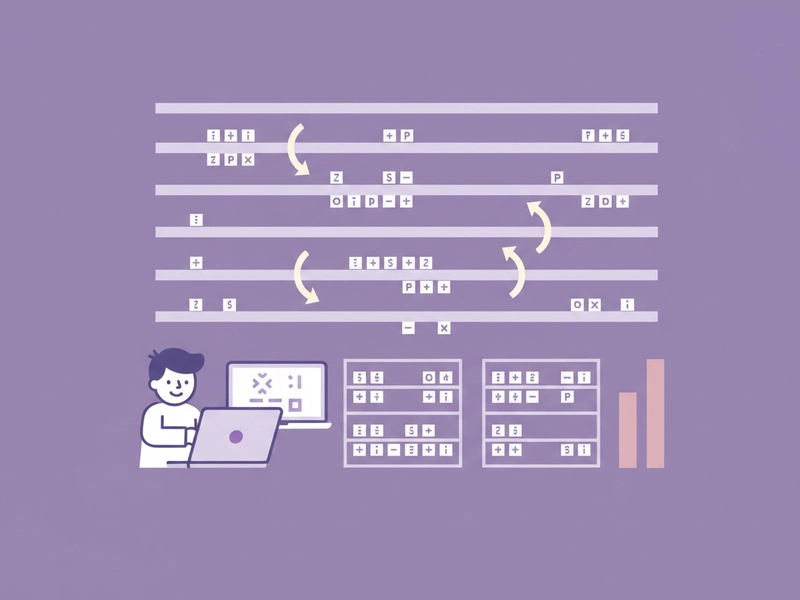
Show how a transposition cipher rearranges characters without changing their counts. Encode the same phrase at 2, 3, and 4 rails, compare row breakdowns, and let students decode with the matching rail count. The browser-local operation avoids accounts and keeps practice text on the device.
Short note obfuscation for games
Turn a brief game instruction, password hint, or role-play note into rail fence ciphertext. Choose a rail count, copy the result, and give the decoder the same number. This is for casual puzzles, not real security, since rail fence ciphers are easy to solve with enough text.
Testing your own decoder logic
Generate known rail fence outputs for short strings like HELLO at 2, 3, and 4 rails. Use them as cases when writing a script, spreadsheet formula, or classroom exercise. The deterministic output lets you verify row splitting, rail lengths, and zigzag reconstruction without network access.

What you can do
Explore the Rail Fence Cipher Translator features and supported options.
Encode with 2–12 rails
Enter plaintext, choose a rail count from 2 to 12, and receive the zigzag row-read ciphertext. Spaces, punctuation, and capitalization are treated as characters in the pattern.
Decode rail fence text
Provide ciphertext and the matching rail count to rebuild the original zigzag message. The decoder reverses row splitting and reconstructs the character order, including spaces and punctuation when they were encoded.
Copy, download, reset
Use the result controls to copy ciphertext or plaintext, download it as text, load the sample, or reset the fields. These actions work in the browser without sign-in or credits for this local tool.
Keep processing local
The rail fence calculation runs in your browser. Text is not sent to a server for this local tool, so short puzzle phrases and classroom examples stay on your device while you encode or decode.
Frequently asked questions
Related tools
Caesar Cipher Translator
Shift letters by 0–25 positions; preserve case and punctuation.
ROT13 TranslatorApply the reversible 13-position Latin letter substitution.
Tap Code TranslatorUse the 5×5 C/K merged grid. Encode letters as row.column pairs with / between words; decode dot-tap pairs or coordinates.
Bacon Cipher TranslatorUse five A/B symbols per letter; select modern 26-letter or historical 24-letter I/J and U/V merged alphabet.
How to use this tool
Step 1: Enter text
Type or paste the plaintext or ciphertext into the Input field. Include spaces and punctuation if they were part of the original message. The sample WEAREDISCOVEREDFLEEATONCE can be loaded from the example control. Use a short test first.
Step 2: Set rails and direction
Set the rail count from 2 to 12 and choose encode or decode if the tool offers a direction setting. The rail count must match the one used for the ciphertext. For a first test, use HELLO with 3 rails.
Step 3: Run and copy
Click Translate to generate the result. Check row behavior with the examples, then use copy, download, or reset as needed. If the output looks wrong, verify the rail count, spaces, and punctuation before trying again.
Try this tool
Encode or decode a rail fence cipher with 2–12 rails and keep spaces and punctuation in the pattern.