Markdown Translator
Translate Markdown text while preserving fenced code, inline code, URLs, HTML tags, and syntax. Files are parsed locally; extracted text is sent to DeepSeek in short parts.
Examples
Illustrative AI outputs are not guaranteed. These short examples use Spanish translation and show Markdown syntax and protected elements in place.
English
## Welcome Hello, **friend**. Read [our guide](https://example.com).
Translation
## Bienvenido Hola, **amigo**. Lee [nuestra guía](https://example.com).
Heading, bold text, and link URL protected.
English
Use `npm install` and keep **this** bold.
Translation
Usa `npm install` y mantén **esto** en negrita.
Inline code and bold marker preserved.
English
- [ ] Draft - [x] Review
Translation
- [ ] Borrador - [x] Revisión
Task list markers preserved.
English
> Note: `file.md` is ready.
Translation
> Nota: `file.md` está listo.
Blockquote and inline filename protected.
English
```js const n = 1; ``` Translate this line.
Translation
```js const n = 1; ``` Traduce esta línea.
Fenced code block unchanged.
English
Visit <https://example.com> for *details*.
Translation
Visita <https://example.com> para *detalles*.
Autolink and emphasis markers preserved.
Understand this tool
Markdown syntax and prose
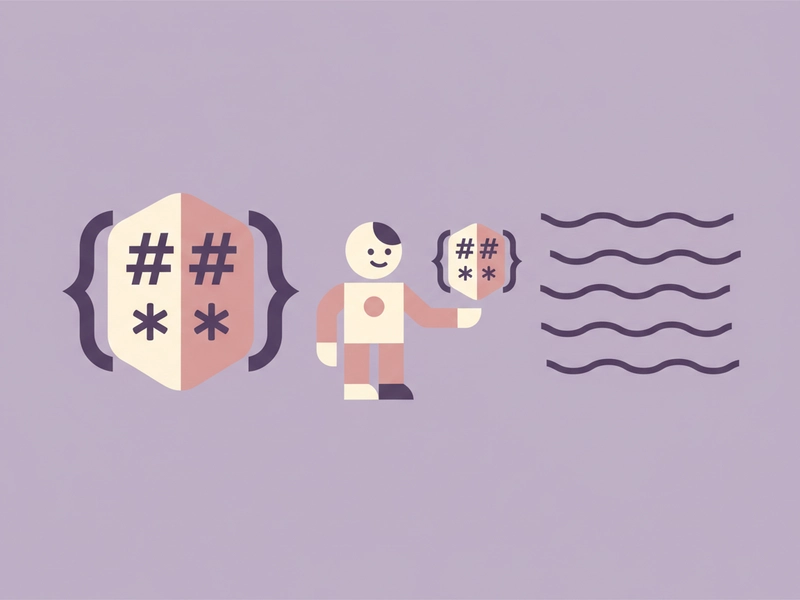
Markdown mixes visible prose with syntax such as headings, lists, links, and emphasis. Translating the whole file can break that syntax. This tool separates prose from protected elements, translates the prose, then places it back into the original Markdown structure where possible.
File parsing and AI parts
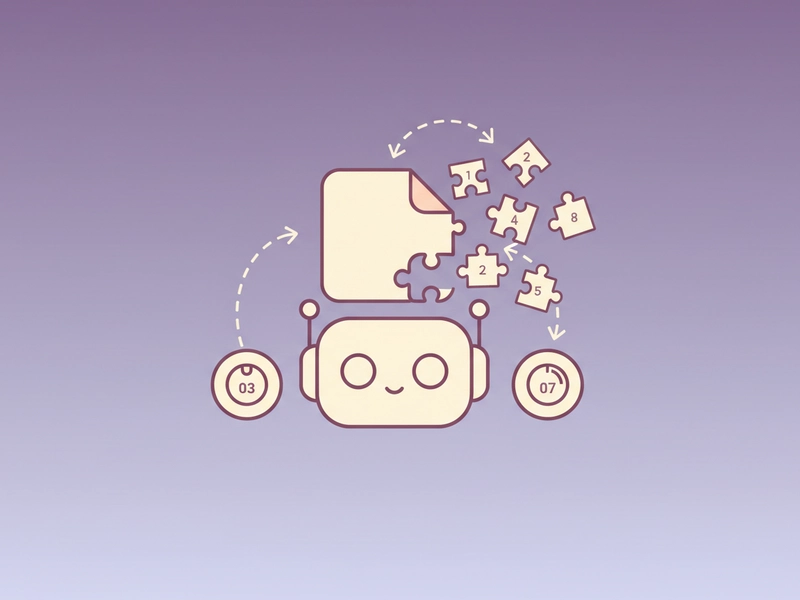
Files are read locally in your browser. Extracted text is sent to DeepSeek in short parts, at most 500 characters each. Because the service displays the request count before starting, you can estimate how many daily free translations or credits a file may consume.
Reference guide
| Input | Rule | Result |
|---|---|---|
| `npm install` | Inline code protected | `npm install` |
| Hello **friend** | Bold markers kept; prose translated | Hola **amigo** |
| [guide](https://example.com) | URL protected; link text translated | [guía](https://example.com) |
Protected Markdown elements
The translator treats fenced and inline code, URLs, HTML tags, and Markdown markers as protected. Only surrounding prose is translated. This helps keep links, code snippets, headings, lists, and emphasis markers in place so exported Markdown remains usable when you review it.
Request count and file limits
AI tools require sign-in. Each successful request uses one daily free translation or 1 credit. Input text is limited to 500 characters per part. The tool displays the request count before starting. Files max 5MB, archives max 30MB expanded, and translation text max 20000 characters.
| Input | Rule | Result |
|---|---|---|
| 1,500 characters | At most 500 characters per part | 3 requests |
| 5MB file | File parsed locally | Request count shown |
| 20000 characters | Translation text maximum | Stop and resume within session |
Ways to use this tool
Translating README files
If you maintain a project README in English and need a Spanish draft, paste the Markdown or upload a supported file. The tool translates headings, paragraphs, list items, and link text while leaving code blocks, inline code, URLs, and HTML tags protected for review before export.
Localizing documentation
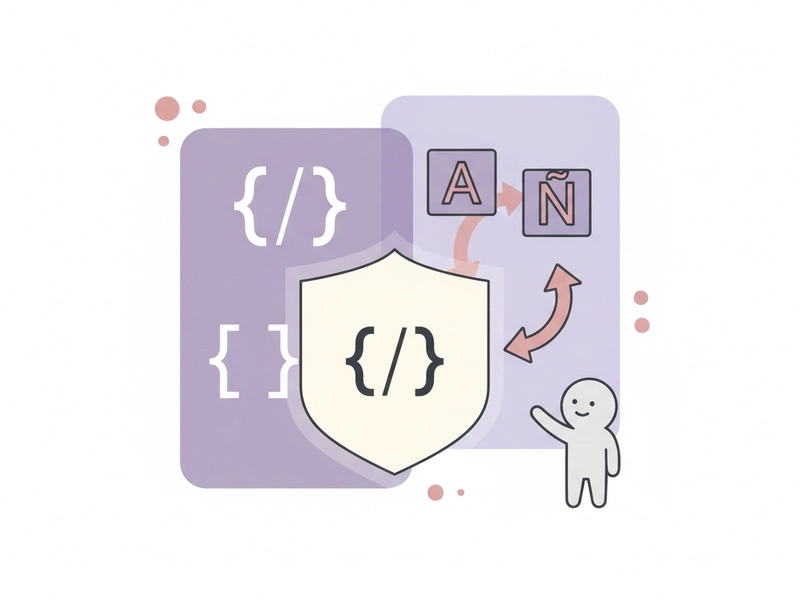
For software guides with fenced code samples, inline commands, and links, use the Markdown Translator to prepare translated prose. You can stop and resume within the session, then export Markdown and check that commands, URLs, and syntax still match the source. Review each section carefully before publishing.
Preparing bilingual release notes
When release notes mix bullet lists, version numbers, and links, translate only the descriptive text. Protected Markdown markers and URLs stay intact, so you can review the Spanish output, adjust wording, and download a Markdown file for publishing. This keeps structure predictable. Use it for short updates.
Handling long Markdown drafts
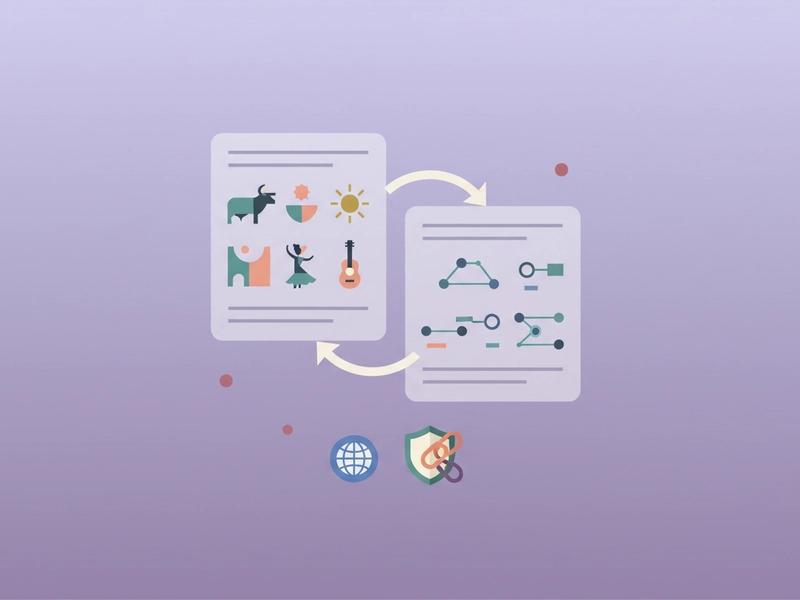
For long Markdown drafts, the tool sends extracted text in parts of at most 500 characters. It shows the request count before starting, and you can stop and resume within the session. Translation text max is 20000 characters, so split very large documents before uploading.

What you can do
Explore the Markdown Translator features and supported options.
Protect Markdown syntax
Keep fenced code, inline code, URLs, HTML tags, headings, lists, links, and emphasis markers out of the translated prose so exported Markdown remains structured for review.
Translate Markdown files
Paste Markdown text or upload a supported file. Files are parsed locally, extracted text is sent in parts of at most 500 characters, and the request count appears before you start.
Use short AI parts
AI tools require sign-in and consume one daily free translation or 1 credit per successful request. Each input part can contain at most 500 characters, so longer Markdown is split before translation.
Stop, resume, and export
Stop and resume within the session. Review translated prose, copy or download the result, and export Markdown. Exact visual layout and perfection are not promised.
Frequently asked questions
Related tools
Subtitle Translator
Accept SRT/VTT. Preserve timecodes, cue identifiers and markup. Translate cue text; offer original-format and bilingual downloads.
Image TranslatorAccept PNG/JPEG/WebP, run browser OCR for selected source language, review extracted text then translate; output text only, not edited images.
PDF TranslatorExtract selectable text from PDF locally, preserve page grouping in text output. Export translated TXT, not original-layout PDF. Scanned PDFs require OCR elsewhere.
Word TranslatorAccept DOCX; translate paragraph text while preserving archive structure, tables and images. Complex run styling can consolidate into the first text run.
How to use this tool
Step 1: Add Markdown or a file
Paste Markdown text or upload a supported file. For AI translation, sign in first. Files are parsed locally; the tool shows the request count before sending extracted text to DeepSeek in parts of at most 500 characters.
Step 2: Translate protected prose
Start the translation. Fenced and inline code, URLs, HTML tags, and Markdown syntax stay protected. You can stop and resume within the session. Review the request count and any split parts before continuing with a long document.
Step 3: Review and export
Check the translated prose, then use copy or download to export Markdown where supported. Review links, code, headings, lists, and emphasis markers. Illustrative AI outputs are not guaranteed, so compare against the source before publishing.
Try this tool
Translate Markdown prose while keeping protected syntax, code, and URLs in place. Start with a short sample or upload a supported file, then review and export.