Subtitle Translator
Upload or paste SRT and VTT subtitles, translate cue text to Spanish and other languages, then download original-format or bilingual files with timecodes preserved.
Examples
These short SRT and VTT snippets show cue text translated into Spanish. Timecodes, cue identifiers and markup remain in place; AI outputs are illustrative and may vary.
English
1 00:00:01,000 --> 00:00:03,000 Hello, world!
Translation
1 00:00:01,000 --> 00:00:03,000 Hola, mundo!
SRT cue with greeting
English
WEBVTT 00:00:02.000 --> 00:00:04.000 Welcome back.
Translation
WEBVTT 00:00:02.000 --> 00:00:04.000 Bienvenido de nuevo.
VTT header and cue
English
intro 00:00:05,000 --> 00:00:07,000 This is a test.
Translation
intro 00:00:05,000 --> 00:00:07,000 Esta es una prueba.
Cue identifier preserved
English
2 00:00:08,000 --> 00:00:10,000 <b>Important</b> notice.
Translation
2 00:00:08,000 --> 00:00:10,000 <b>Importante</b> aviso.
Simple markup preserved
English
3 00:00:11,000 --> 00:00:13,000 Line one. Line two.
Translation
3 00:00:11,000 --> 00:00:13,000 Línea uno. Línea dos.
Two cue lines
English
4 00:00:14,000 --> 00:00:16,000 Thank you.
Translation
4 00:00:14,000 --> 00:00:16,000 Thank you. Gracias.
Bilingual download preview
Understand this tool
SRT and VTT formats
SRT uses numbered cues and comma timecodes; WebVTT starts with WEBVTT and uses dot timecodes. This tool reads both, treats cue text as the translatable part, and leaves timing and structure in place for download.

Request splitting
Subtitle text is extracted locally and sent to DeepSeek in parts of up to 500 characters. Before starting, the page shows how many requests are needed. Each successful request uses one daily free translation or one credit.

Reference guide
| Input | Rule | Result |
|---|---|---|
| 00:00:01,000 --> 00:00:03,000 | Keep timing line unchanged | Same timing line in output |
| Cue identifier: intro | Preserve identifier | intro remains above translated cue |
| <b>text</b> | Keep simple markup around translated text | <b>texto</b> |
Timecode and cue preservation
SRT and VTT timing lines are parsed locally. The tool keeps start and end timecodes, cue sequence numbers or cue identifiers, and line breaks. Only cue text is sent for translation, so the subtitle structure remains available for original-format download.
Bilingual output structure
After translation, you can download the original subtitle format or a bilingual version. Bilingual output places the translated line under the original cue text within the same timecode block, so supported players and editors can display both languages together.
| Input | Rule | Result |
|---|---|---|
| Hello. | Translate cue text | Hola. |
| Hello.\nThank you. | Translate each line | Hola.\nGracias. |
| Original-format download | Keep SRT or VTT structure | Timecodes and cue order preserved |
Ways to use this tool
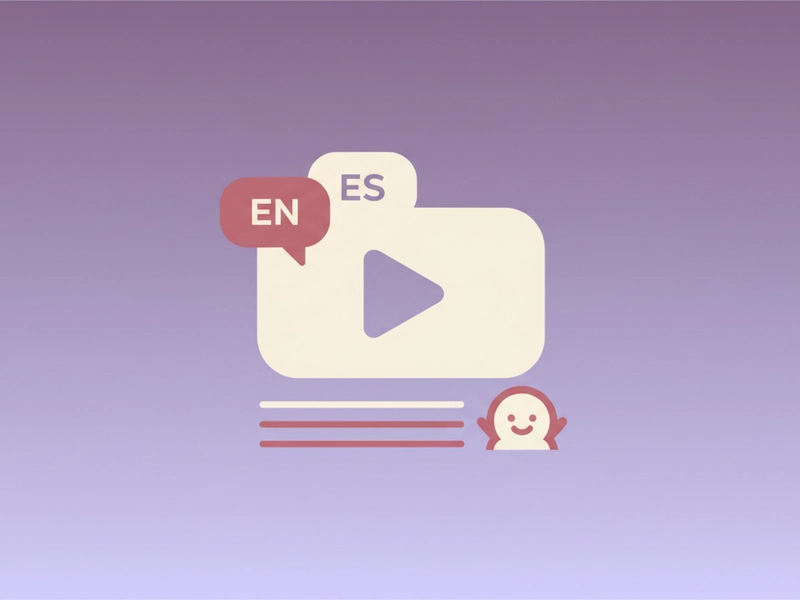
Translate a class video for Spanish speakers
If you teach a short lesson recorded with English SRT subtitles, upload the file, check the request count, and translate cue text into Spanish. Review terms, then download the bilingual VTT for learners who want to compare both languages line by line.
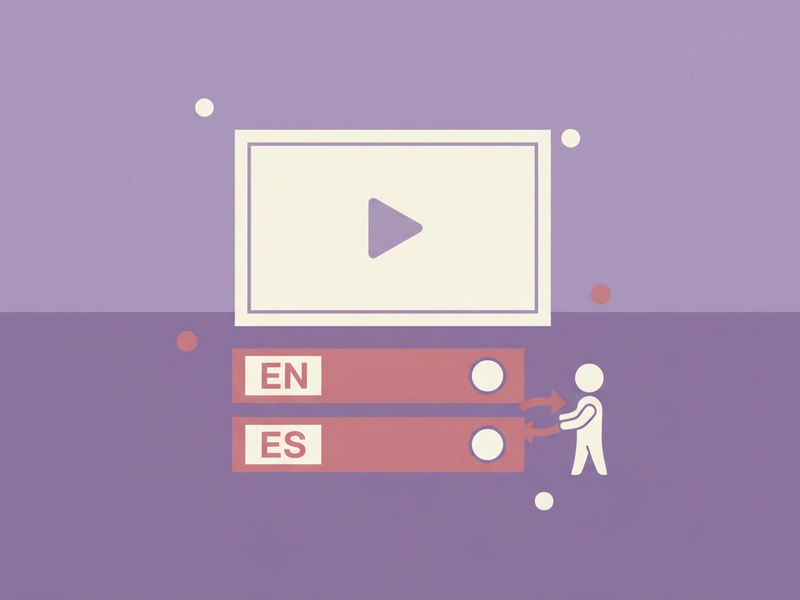
Prepare bilingual interview captions
For a short interview clip, paste the English SRT, translate cues into Spanish, and download the bilingual subtitle file. Editors can check both languages against the same timecodes, then correct names, jargon, or idioms before publishing.
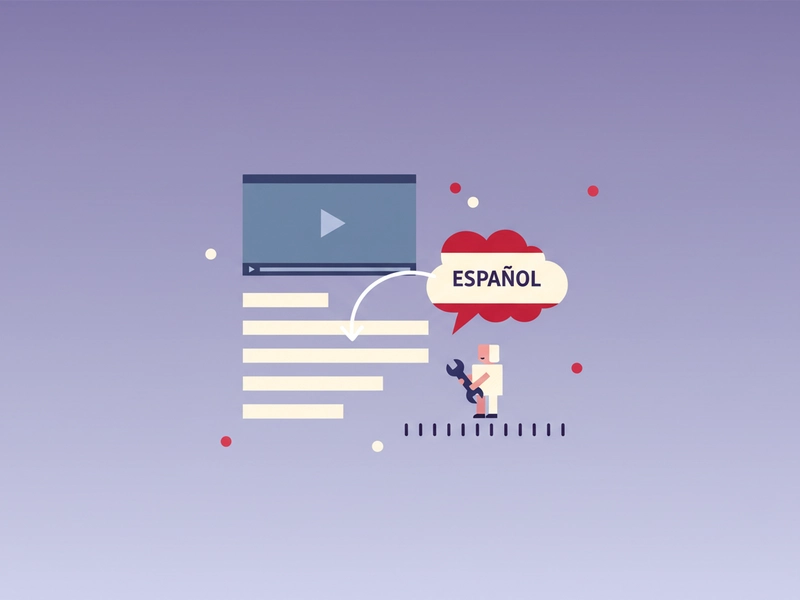
Localize product demo subtitles
A product team can translate a demo VTT cue text into Spanish while preserving cue identifiers used by the video editor. The original-format download keeps timing aligned, so the localized subtitle track can be imported without rebuilding every cue.
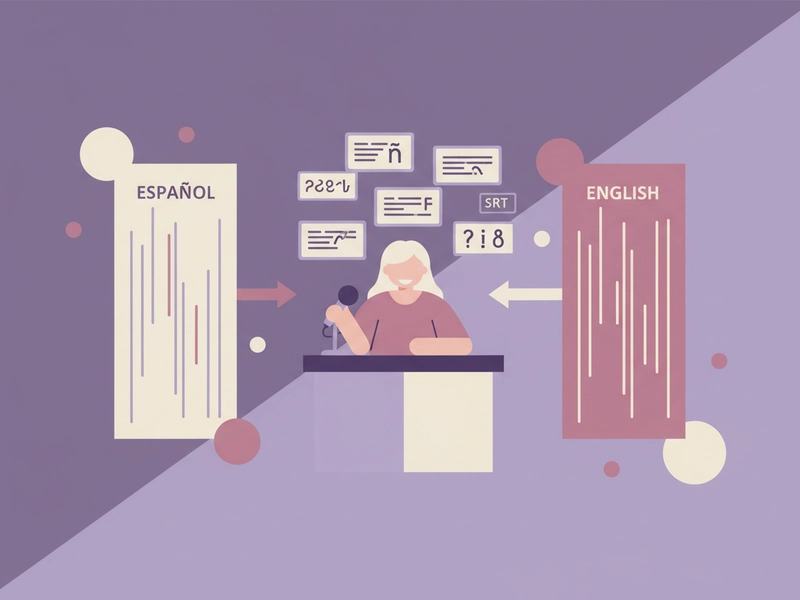
Check subtitle terminology before recording
Writers can paste a few SRT cues, translate them into Spanish, and review word choices for a voice-over script. The bilingual download helps compare source and target lines, making it easier to adjust phrasing before recording final audio.
What you can do
Explore the Subtitle Translator features and supported options.
Preserve subtitle structure
Upload or paste SRT and VTT files. The tool keeps timecodes, cue numbers, cue identifiers, and simple markup, then translates only the cue text lines.
Download original or bilingual
After translation, download the subtitle file in its original SRT or VTT format, or choose a bilingual version that keeps original text and translated text in the same cue block.
See request count first
Extracted text is split into DeepSeek requests of up to 500 characters. Before translation starts, the page displays the number of requests so you know the daily free or credit usage.
Stop and resume in session
You can stop a translation and resume it during the same browser session. Files are parsed locally, and the translation text limit is 20,000 characters.
Frequently asked questions
Related tools
Image Translator
Accept PNG/JPEG/WebP, run browser OCR for selected source language, review extracted text then translate; output text only, not edited images.
PDF TranslatorExtract selectable text from PDF locally, preserve page grouping in text output. Export translated TXT, not original-layout PDF. Scanned PDFs require OCR elsewhere.
Word TranslatorAccept DOCX; translate paragraph text while preserving archive structure, tables and images. Complex run styling can consolidate into the first text run.
Excel TranslatorAccept XLSX; translate shared and inline strings. Preserve formulas, numbers and archive structure. All text cells in all sheets; no macros.
How to use this tool
Step 1: Upload or paste subtitles
Choose an SRT or VTT file up to 5 MB, or paste subtitle content into the input area. The tool reads the file locally and extracts cue text while preserving timecodes and cue identifiers.
Step 2: Check requests and translate
Sign in, review the displayed request count, then start translation. Cue text is sent in parts of up to 500 characters. Each successful request uses one daily free translation or one credit.
Step 3: Review and download
Check translated cues for names, idioms, and terminology. Download the original SRT or VTT format, or choose a bilingual version that keeps source and translated text in the same cue block.
Try this tool
Upload an SRT or VTT file, check the request count, and translate cue text with structure preserved. Download original-format or bilingual subtitles after review.