Tap Code Translator
Encode letters as row.column numbers on the 5×5 C/K grid, or decode dot-tap pairs and coordinates. Local browser tool with copy, download, example, and reset.
0 / 10,000 characters
Examples
Examples use the 5×5 C/K merged grid. Coordinates are row.column pairs; a slash separates words. Dot-tap pairs use dots for taps. Results follow the grid rules.
English
HELLO
Translation
2.3 1.5 3.1 3.1 3.4
Forward conversion with default settings
English
WORLD
Translation
5.2 3.4 4.2 3.1 1.4
Forward conversion with default settings
English
GOOD DAY
Translation
2.2 3.4 3.4 1.4 / 1.4 1.1 5.4
Forward conversion with default settings
English
SECRET
Translation
4.3 1.5 1.3 4.2 1.5 4.4
Forward conversion with default settings
English
MEET ME
Translation
3.2 1.5 1.5 4.4 / 3.2 1.5
Forward conversion with default settings
English
FRIEND
Translation
2.1 4.2 2.4 1.5 3.3 1.4
Forward conversion with default settings
Understand this tool
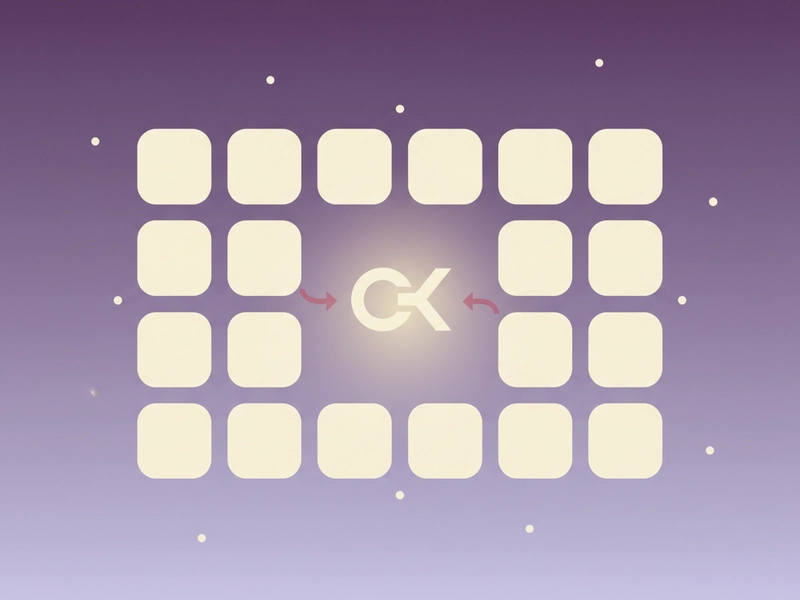
Why C and K share a cell
A 5×5 grid has 25 cells but the English alphabet has 26 letters. Classic tap code merges C and K into one cell, 13. This keeps the grid square. Encoding is clear, but decoding 13 can be ambiguous without context.
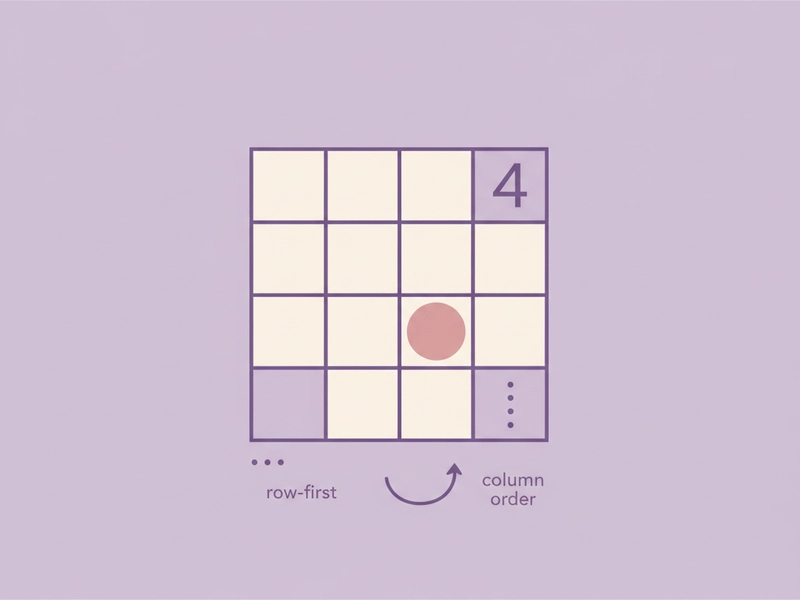
Row and column reading order
Tap code uses two counts: first the row, then the column. A coordinate like 34 means row 3, column 4, which is O. Dot-tap notation writes the same information as dots, for example ... .... for 34.
Reference guide
| Input | Rule | Result |
|---|---|---|
| C | Row 1, column 3 | 13 |
| K | Shares C/K cell | 13 |
| 13 | C/K merged | C or K |
5×5 C/K merged grid
The 5×5 grid has rows and columns 1–5. Letters are placed A–E, F–J, L–P, Q–U, V–Z. C and K share row 1, column 3, written 13. When you decode 13, it can mean C or K; context or a convention decides which letter is intended.
Encoding and decoding formats
Encode letters as row.column numbers, such as 23 for H. Separate pairs with spaces. Use a slash between words. To decode, read each number as row then column. Dot-tap input uses dots for taps, so .. .... means row 2, column 4, or I.
| Input | Rule | Result |
|---|---|---|
| HELLO | Each letter becomes row.column | 23 15 31 31 34 |
| HELLO WORLD | / separates words | 23 15 31 31 34 / 52 34 42 31 14 |
| .. .... | Dots count taps: row 2, column 4 | I |
Ways to use this tool
Puzzle and escape room clues
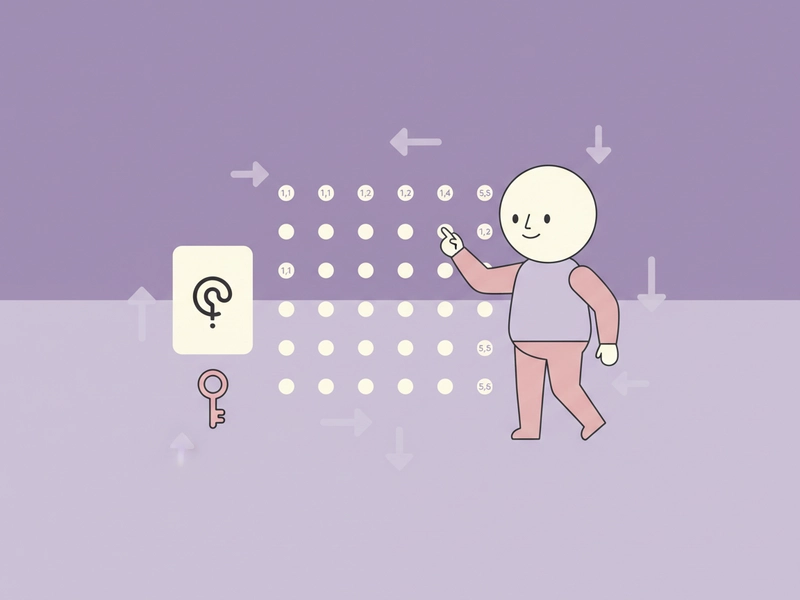
Use the translator to prepare tap code clues for a puzzle, classroom activity, or escape room. Encode a short phrase into row.column pairs, print it, and let players decode it with the 5×5 grid. Keep a separate answer key for the C/K ambiguity if needed.
Basic radio or signal practice
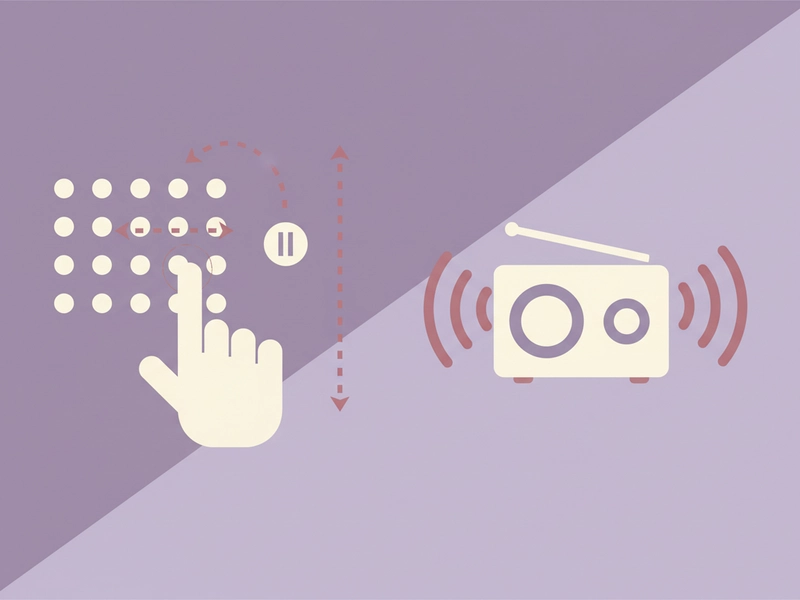
Practice sending short messages by tapping or flashing counts. The translator converts text to coordinates you can tap in two groups: row taps, a pause, then column taps. Decode incoming dot-tap pairs back to letters for low-tech practice sessions. This is a puzzle exercise, not a secure communication method.
Teaching coordinate systems
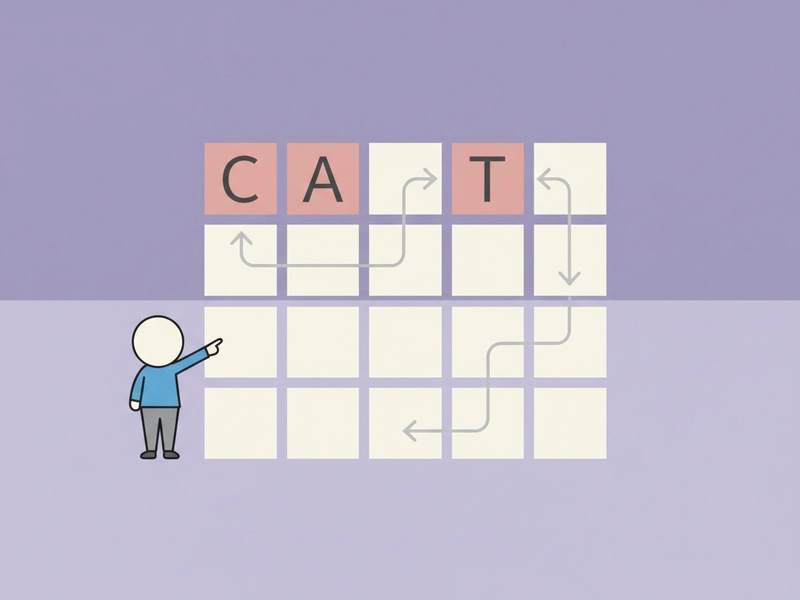
Use tap code as a simple grid exercise. Students convert letters to row.column pairs and back, reinforcing row-first, column-second reading. Start with short words like CAT or DOG, then include a space or slash between words. Check the C/K cell when it appears. This keeps practice short and clear.
Preparing encoded notes or labels
Turn short labels, tags, or notes into tap code coordinates for a scavenger hunt, personal puzzle, or game prop. Use the slash between words and copy the result. Remember that tap code is a simple cipher for puzzles, not security. You can decode returned coordinates back to text.
What you can do
Explore the Tap Code Translator features and supported options.
Encode text to row.column pairs
Type letters and get coordinates from the 5×5 C/K merged grid. Pairs are separated by spaces, and a slash marks a word break. The result is ready to copy or download.
Decode coordinates or dot-tap pairs
Paste row.column numbers or dot-tap sequences. The tool reads the first count as the row and the second as the column, then returns letters. Use spaces between pairs and a slash between words.
Local browser processing
The translator runs locally in your browser. No login or credits are needed. You can copy the result, download it, load the sample, or reset the fields.
C/K merged grid handling
The 5×5 grid merges C and K into cell 13. Encoding K gives 13. Decoding 13 is ambiguous, so note which letter your puzzle expects. Keep your convention clear in the clue or answer key.
Frequently asked questions
Related tools
Caesar Cipher Translator
Shift letters by 0–25 positions; preserve case and punctuation.
ROT13 TranslatorApply the reversible 13-position Latin letter substitution.
Bacon Cipher TranslatorUse five A/B symbols per letter; select modern 26-letter or historical 24-letter I/J and U/V merged alphabet.
Polybius Square TranslatorUse a 5×5 I/J merged square and row-column coordinates.
How to use this tool
Step 1: Enter text or tap code
Type letters to encode, or paste row.column numbers or dot-tap pairs to decode. Use spaces between pairs and a slash between words. The sample HELLO shows a basic encoding example. For dot-tap input, each group of dots is one count.
Step 2: Run the translation
Press the Convert button. The tool reads the 5×5 C/K merged grid and returns coordinates or letters. If input is empty, it asks for text. If the format is unclear, check spacing and the slash between words.
Step 3: Copy, download, or reset
Review the result, then use copy or download to save it. Use reset to clear both fields. Load the example again whenever you want to see a known working input and output pair. The example is useful for checking the expected format.
Try this tool
Encode HELLO to 23 15 31 31 34, decode coordinates, or test dot-tap pairs with the 5×5 C/K merged grid.