Image Translator
Extract text from images with local browser OCR for eight supported languages, review the text, then translate it using AI in short request parts.
Examples
Examples use English source text and Spanish translation. OCR language is set to English. AI output is illustrative and may vary with image clarity, font, and selected language.
English
Hello, world!
Translation
¡Hola, mundo!
Short greeting from a screenshot, English OCR to Spanish.
English
Open 9 AM to 5 PM
Translation
Abierto de 9 a 17
Store hours sign, English OCR to Spanish.
English
Please enter your name
Translation
Por favor, introduzca su nombre
Form label image, English OCR to Spanish.
English
Total: $12.50
Translation
Total: 12,50 $
Receipt line, English OCR to Spanish.
English
Warning: Hot surface
Translation
Advertencia: Superficie caliente
Safety label, English OCR to Spanish.
English
Thank you for your order
Translation
Gracias por su pedido
Confirmation message, English OCR to Spanish.
Understand this tool
Local OCR, selective translation
OCR runs in your browser for the selected source language. The extracted text is reviewed before any AI translation. The tool outputs text only and does not edit or return the original image. You can correct OCR mistakes in the text area.
Part-based AI requests
AI translation sends extracted text to DeepSeek in parts no longer than 500 characters. The page displays the number of requests before you start. Each successful request consumes one daily free translation or 1 credit.
Reference guide
| Input | Rule | Result |
|---|---|---|
| PNG, 3MB | Max 5MB per image | Accepted for OCR |
| WebP, 6MB | Over 5MB limit | Rejected |
| Korean sign | Select Korean source | OCR runs in browser |
Image OCR languages and file limits
Browser OCR supports English, Chinese, Japanese, Korean, French, German, and Spanish. Source language must be selected before OCR. PNG, JPEG, and WebP files are accepted up to 5MB. Text output only; no image editing. The extracted text can be reviewed and edited before translation.
AI translation request limits
AI translation requires sign-in. Extracted text is sent to DeepSeek in parts of at most 500 characters. Each successful request uses one daily free translation or 1 credit. The page shows request count before start. Translation text is capped at 20000 characters.
| Input | Rule | Result |
|---|---|---|
| 600 characters | Split into <=500-character parts | 2 requests |
| First request today | Daily free translation available | Uses free translation |
| 20001 characters | Max 20000 characters | Rejected |
Ways to use this tool
Translate a restaurant menu photo
You photograph a menu in English and upload the PNG. Select English as the OCR source, review the extracted dish names, then translate them into Spanish. The tool returns text only, so you can copy the Spanish menu into a notes app. No image editing is included.
Read a product label in another language
You have a Japanese product label saved as JPEG. Choose Japanese for browser OCR, correct any unclear characters in the extracted text, then translate to English. The output is plain text you can copy. Translation runs in parts of at most 500 characters. No image editing.
Capture text from a presentation slide
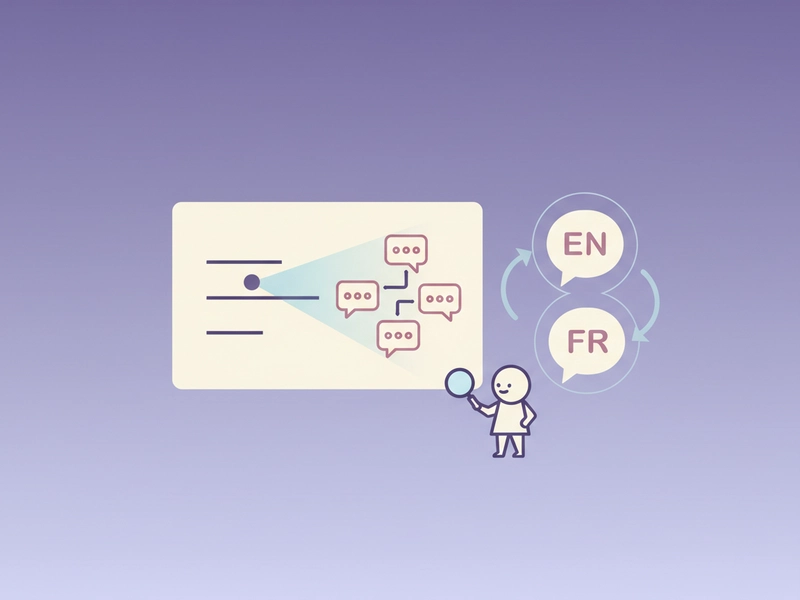
You export a slide as WebP and upload it. OCR extracts the English bullet points. After review, translate the text to French. The tool sends text in 500-character parts and shows the request count first. Output is text, so layout is not preserved. You can copy the result.
Turn a photographed receipt into Spanish text
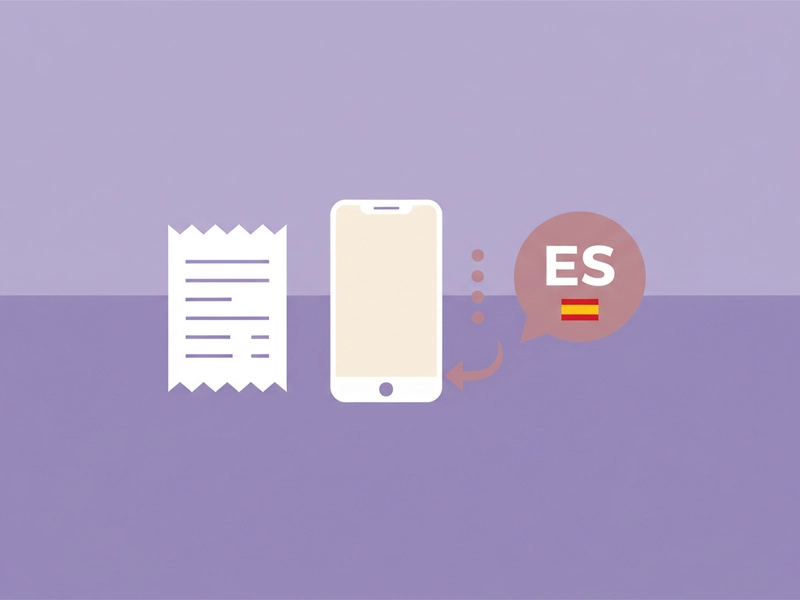
You upload a JPEG receipt with English line items. Select English OCR, check amounts and store name, then translate to Spanish. The tool outputs text only; you can download or copy it. Files must be 5MB or smaller. AI translation requires sign-in. No image editing is included.
What you can do
Explore the Image Translator features and supported options.
Extract text from images
Upload PNG, JPEG, or WebP files up to 5MB. Browser OCR runs for English, Chinese, Japanese, Korean, French, German, or Spanish. You review the extracted text before translating it.
Translate extracted text
After OCR, send the text for AI translation in parts of at most 500 characters. The page shows the request count before start. Each successful request uses one daily free translation or 1 credit.
Copy or download text
The result is plain text only, not an edited image. Use the copy button or download the translated text. You can reset the tool or load the example to try again.
Work with documents
Beyond images, the translator accepts TXT, selectable-text PDFs up to 50 pages, Office files in original format with paragraph and run-style caveats, and DRM-free EPUB. Translation text is capped at 20000 characters.
Frequently asked questions
Related tools
Subtitle Translator
Accept SRT/VTT. Preserve timecodes, cue identifiers and markup. Translate cue text; offer original-format and bilingual downloads.
PDF TranslatorExtract selectable text from PDF locally, preserve page grouping in text output. Export translated TXT, not original-layout PDF. Scanned PDFs require OCR elsewhere.
Word TranslatorAccept DOCX; translate paragraph text while preserving archive structure, tables and images. Complex run styling can consolidate into the first text run.
Excel TranslatorAccept XLSX; translate shared and inline strings. Preserve formulas, numbers and archive structure. All text cells in all sheets; no macros.
How to use this tool
Step 1: Upload your image
Select a PNG, JPEG, or WebP file up to 5MB. Choose the correct source language from English, Chinese, Japanese, Korean, French, German, or Spanish. The browser runs OCR locally and places the extracted text in the review area.
Step 2: Review and edit extracted text
Check the OCR result for missing or incorrect characters. Edit the text directly in the input area. You can reset the tool or load the example if needed. This step helps ensure the text sent for translation matches the image.
Step 3: Translate and copy the result
Sign in for AI translation. The page shows the number of 500-character parts before you start. Each successful request uses one daily free translation or 1 credit. After translation, copy or download the plain text result.
Try this tool
Upload an image, run OCR for a supported language, review the text, then translate it into your target language.