CSV Translator
Translate chosen columns in comma-separated UTF-8 CSV files while keeping headers, numeric identifiers, and all unselected cells unchanged before copy or download.
Examples
Examples use a UTF-8 CSV with a header row and three columns: id, title, description. The selected title and description columns are translated to Spanish; id and header remain unchanged. Outputs are illustrative AI results, not guaranteed.
English
id,title,description 001,Hello,A friendly greeting
Translation
id,title,description 001,Hola,Un saludo amable
Translate title and description to Spanish; keep id and header.
English
id,title,description 002,Thank you,Please confirm
Translation
id,title,description 002,Gracias,Por favor confirma
Translate title and description to Spanish; keep id and header.
English
id,title,description 003,Good morning,Open the file
Translation
id,title,description 003,Buenos días,Abra el archivo
Translate title and description to Spanish; keep id and header.
English
id,title,description 004,Settings,Change your password
Translation
id,title,description 004,Configuración,Cambie su contraseña
Translate title and description to Spanish; keep id and header.
English
id,title,description 005,Invoice,Total amount due
Translation
id,title,description 005,Factura,Importe total a pagar
Translate title and description to Spanish; keep id and header.
English
id,title,description 006,Download,Click the button
Translation
id,title,description 006,Descargar,Haga clic en el botón
Translate title and description to Spanish; keep id and header.
Understand this tool
CSV quoting
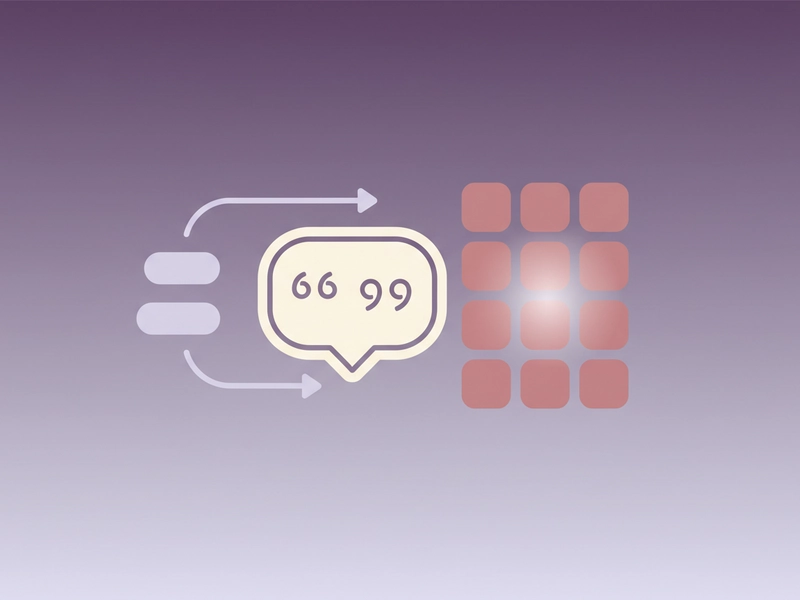
In CSV, fields containing commas, quotes, or line breaks are wrapped in double quotes. A double quote inside a quoted field is escaped by doubling it. This tool accepts that comma-separated UTF-8 structure and preserves unselected cells as written.
AI request parts
Files are parsed locally in the browser, and extracted text is sent to DeepSeek in chunks of at most 500 characters. The interface shows the number of requests before translation starts. AI tools require sign-in and consume one daily free translation or 1 credit per successful request.

Reference guide
| Input | Rule | Result |
|---|---|---|
| id,title 001,Hello | Translate title only | id,title 001,Hola |
| id,title 002,"Hello, world" | Quoted comma preserved | id,title 002,"Hola, mundo" |
| id,title 003,Settings | ID column unselected | id,title 003,Configuración |
Column selection and preservation
Choose which CSV columns to translate. The tool keeps the header row, numeric identifiers, and every unselected cell as written. It accepts comma-separated UTF-8 CSV with quoted cells, so commas inside quoted values stay in the same cell before output. This reduces import errors.
Limits and AI requests
CSV files can be up to 5MB, and translation text can be up to 20,000 characters. Extracted text is sent to DeepSeek in parts of at most 500 characters. The tool shows the request count before starting. AI translation requires sign-in and uses one daily free translation or 1 credit per successful request.
| Input | Rule | Result |
|---|---|---|
| 5MB CSV | Maximum file size | Parsed if under limit |
| 20,000 chars | Translation text maximum | Split into 500-character AI parts |
| 1 credit | Successful AI request | One daily free translation or 1 credit |
Ways to use this tool
Localizing app strings
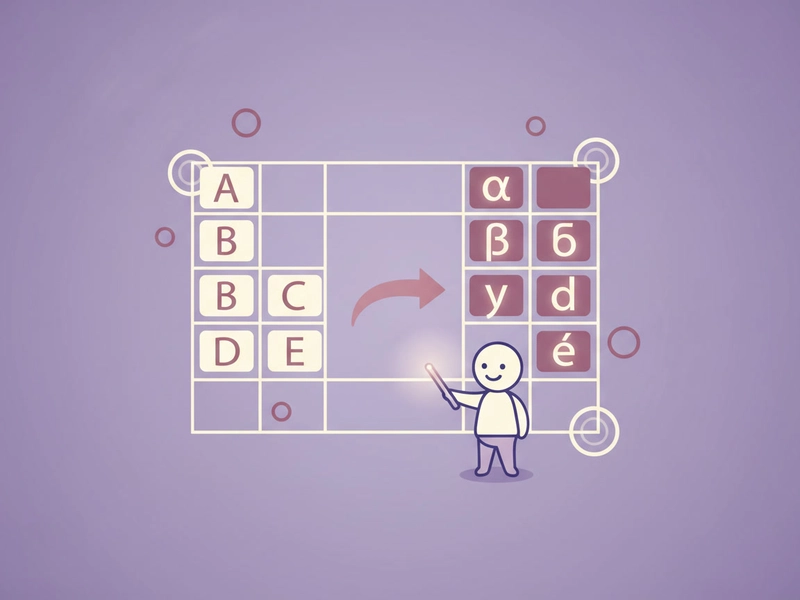
You maintain an app string CSV with columns for keys, English text, and notes. Select only the English text column and translate it to Spanish. The tool keeps keys, notes, headers, and numeric IDs unchanged. Quoted cells with commas remain in one cell, so the output CSV can be imported without re-mapping columns.
Translating product catalog titles
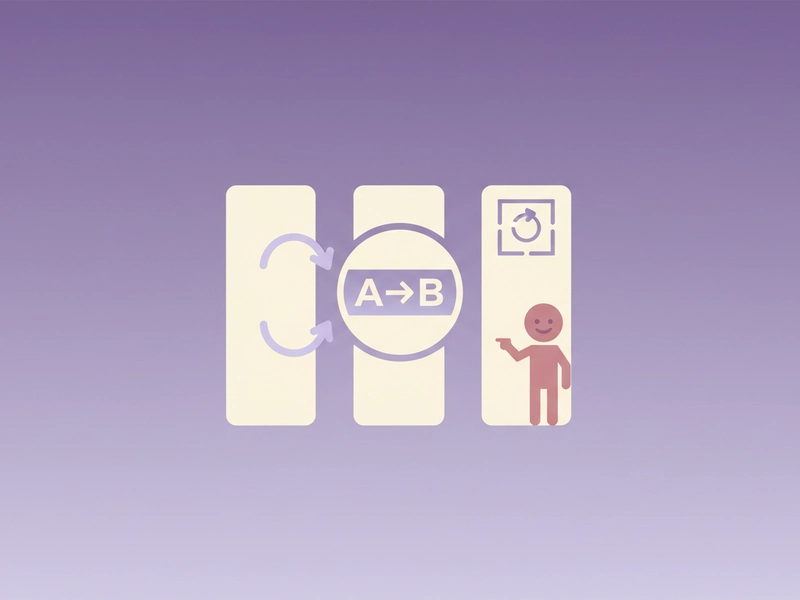
A product catalog CSV lists product IDs, English titles, and English descriptions. Choose the title and description columns, translate them to Spanish, and leave IDs and other fields untouched. The header row stays in place, so an import script can match columns by name after translation.
Updating support ticket summaries
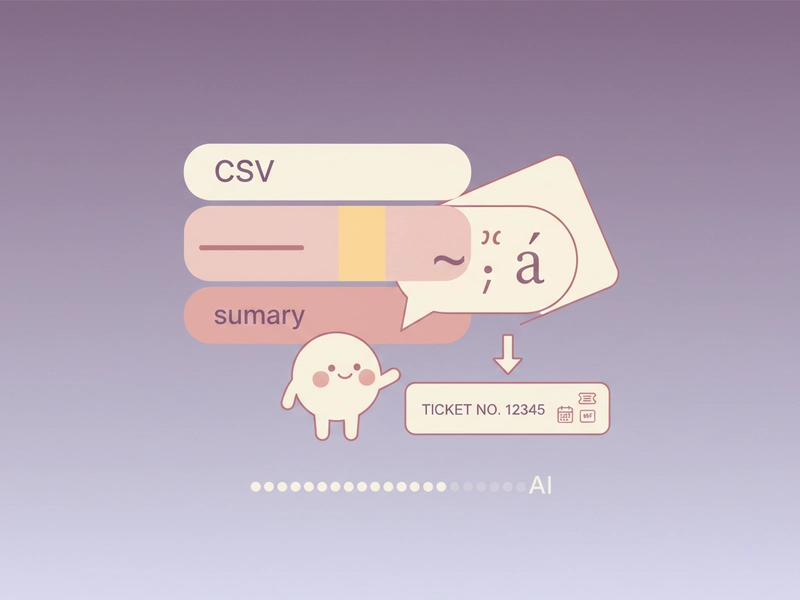
You export support tickets as comma-separated UTF-8 CSV with quoted summaries. Select the summary column for Spanish translation while keeping ticket numbers, dates, and status fields unchanged. The page shows the AI request count before starting, and you can stop and resume within the same session.
Preparing category labels
An e-commerce category CSV contains category IDs and English labels. Translate only the label column to Spanish. Numeric category IDs, the header, and any unselected columns remain as written. Because quoted labels keep commas inside one cell, the translated CSV can be downloaded and imported without changing your existing column mapping.
What you can do
Explore the CSV Translator features and supported options.
Choose columns to translate
Select which CSV columns to translate. Headers, numeric identifiers, and unselected cells stay unchanged, so the output keeps the same structure for spreadsheets and import scripts.
Translate with DeepSeek
Sign in and send extracted text to DeepSeek in parts of at most 500 characters. The page shows the request count before starting. Each successful request uses one daily free translation or 1 credit.
Handle quoted UTF-8 CSV
Use comma-separated UTF-8 CSV with quoted cells. Fields containing commas, quotes, or line breaks stay together in one cell. Use example and reset when testing, then copy or download the translated CSV.
Stop and resume
Pause and continue within the same session. Files can be up to 5MB, and translation text can be up to 20,000 characters. Extracted text is split into request parts of at most 500 characters.
Frequently asked questions
Related tools
Subtitle Translator
Accept SRT/VTT. Preserve timecodes, cue identifiers and markup. Translate cue text; offer original-format and bilingual downloads.
Image TranslatorAccept PNG/JPEG/WebP, run browser OCR for selected source language, review extracted text then translate; output text only, not edited images.
PDF TranslatorExtract selectable text from PDF locally, preserve page grouping in text output. Export translated TXT, not original-layout PDF. Scanned PDFs require OCR elsewhere.
Word TranslatorAccept DOCX; translate paragraph text while preserving archive structure, tables and images. Complex run styling can consolidate into the first text run.
How to use this tool
Step 1: Prepare the CSV
Use comma-separated UTF-8 CSV. Include a header row if you want it kept. Quote cells that contain commas, quotes, or line breaks. Keep numeric identifiers in their own columns so they remain unchanged. Files can be up to 5MB.
Step 2: Select columns and check requests
Paste or load your CSV, then choose the columns to translate. The page shows the number of AI requests before starting. Sign in if needed; each successful request uses one daily free translation or 1 credit.
Step 3: Translate, copy, or download
Run the translator and wait for the output CSV. Check that headers, numeric IDs, and unselected cells are unchanged. Copy or download the result. You can stop and resume within the same session if needed.
Try this tool
Open the CSV Translator, select the columns to translate, and keep headers, IDs, and unselected cells unchanged.