Word Translator
Upload a DOCX file to translate its paragraph text. The archive structure, tables, and images are preserved; complex run styling can consolidate into the first text run.
Examples
Six DOCX paragraph examples translated to Spanish. Illustrative outputs only; request count depends on extracted text and complex run styling may consolidate.
English
Hello, world!
Translation
Hola, mundo!
Simple DOCX paragraph
English
The report is ready.
Translation
El informe está listo.
Short sentence
English
Table cell: Total
Translation
Celda de tabla: Total
Table cell text
English
Image caption: Figure 1
Translation
Pie de imagen: Figura 1
Image caption paragraph
English
Meeting at 10 AM.
Translation
Reunión a las 10 AM.
Schedule line
English
Thank you for your help.
Translation
Gracias por su ayuda.
Closing paragraph
Understand this tool
What is preserved in a DOCX
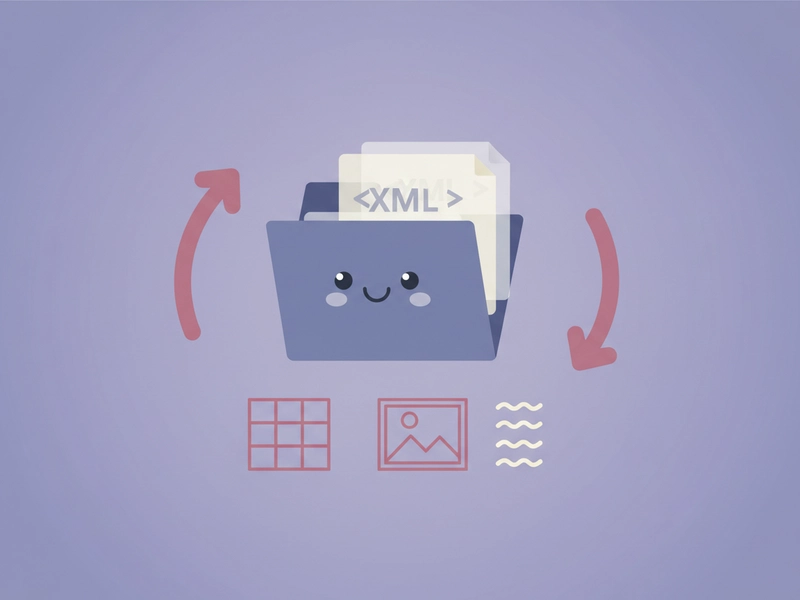
DOCX is a ZIP archive containing XML and media. This tool translates paragraph text while keeping archive structure, tables, and images. Complex run styling can consolidate into the first text run, so verify heavily styled documents after download.
How text parts and requests work
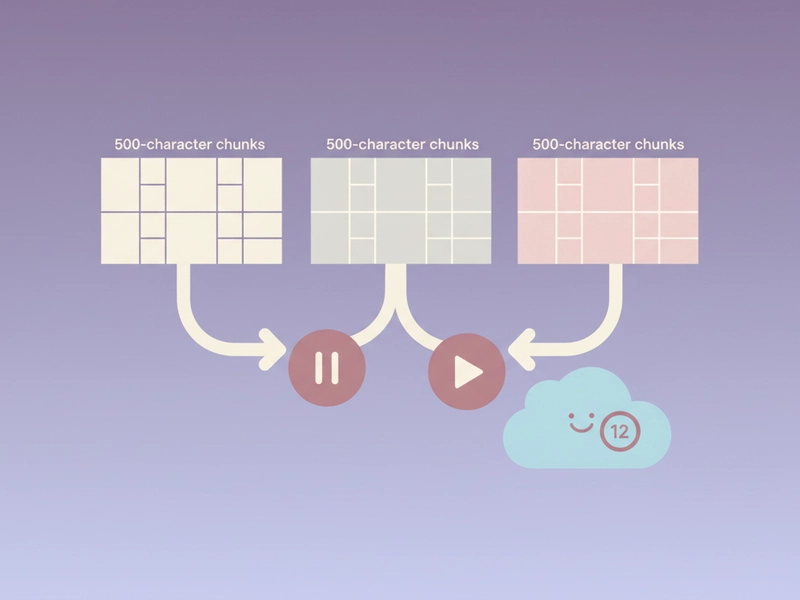
Extracted text is split into parts of no more than 500 characters before sending to DeepSeek. The interface displays the request count before translation starts. One successful request consumes one daily free translation or one credit; stop and resume within the session.
Reference guide
| Input | Rule | Result |
|---|---|---|
| DOCX file 5 MB or less | Accepted | Parsed locally |
| Expanded archive over 30 MB | Rejected | Choose a smaller file |
| Extracted text over 20,000 characters | Rejected | Split or reduce the DOCX |
DOCX upload limits
DOCX files are parsed locally before any text is sent for AI translation. The file must be 5 MB or smaller, and the expanded archive must stay under 30 MB. Extracted translation text is limited to 20,000 characters, and the interface displays the request count before translation starts.
AI request counting
Extracted DOCX text is sent to DeepSeek in parts of up to 500 characters. The page shows the request count before you start. Each successful request uses one daily free translation or one credit, and you can stop and resume within the session.
| Input | Rule | Result |
|---|---|---|
| Text part up to 500 characters | Sent to DeepSeek | Counts as one successful request |
| One daily free translation | Applied per successful request | Credits required after that |
| Request count before start | Displayed for review | Stop and resume within session |
Ways to use this tool
Translate a DOCX report
Upload a DOCX report under 5 MB, review the displayed request count, and translate paragraph text into Spanish. Tables and images stay in the archive. Because complex run styling can consolidate into the first text run, check headings, bold labels, and table cells after download.

Localize a DOCX proposal
Use this file-based Word Translator to localize a DOCX proposal or product manual. The DOCX is parsed locally, extracted text is sent in 500-character parts, and translation text must stay under 20,000 characters. Download the translated DOCX and review run styling caveats.
Keep tables and images intact
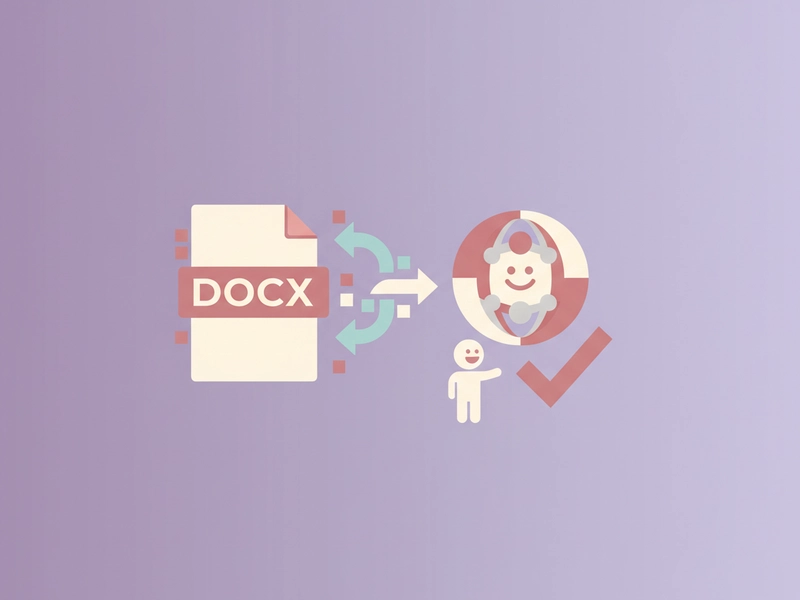
You have a DOCX with tables and images and need paragraph text translated. Upload the file, check the request count, translate, then download. Images and table structure remain; only paragraph text changes. Complex run styling may consolidate, so inspect mixed fonts and links.
Prepare bilingual meeting notes
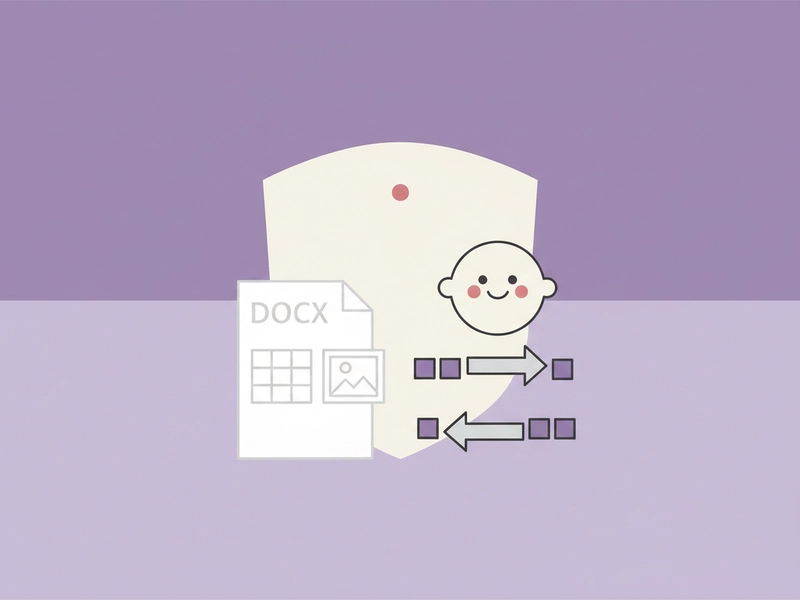
For meeting notes stored in DOCX, upload the file under 5 MB and translate the paragraph text. The tool displays request count before starting. After processing, download the translated DOCX or copy text from the result. Stop and resume within the same session if needed.
What you can do
Explore the Word Translator features and supported options.
DOCX paragraph translation
Upload a DOCX up to 5 MB and translate paragraph text. The tool parses the file locally and preserves the archive structure, so tables and images remain in the document.
Request count and limits
See the request count before starting. Extracted text is sent to DeepSeek in parts of up to 500 characters. Translation text must stay under 20,000 characters, and each successful request uses a daily free translation or credit.
Format and styling caveats
Office output keeps the original format, but complex run styling can consolidate into the first text run. Verify headings, bold text, links, and table cell styling after downloading the translated DOCX.
Session controls
Copy the result, download the translated DOCX, load the example, or reset the tool. You can stop and resume within the session. No image editing is performed; images are preserved as archive parts.
Frequently asked questions
Related tools
Subtitle Translator
Accept SRT/VTT. Preserve timecodes, cue identifiers and markup. Translate cue text; offer original-format and bilingual downloads.
Image TranslatorAccept PNG/JPEG/WebP, run browser OCR for selected source language, review extracted text then translate; output text only, not edited images.
PDF TranslatorExtract selectable text from PDF locally, preserve page grouping in text output. Export translated TXT, not original-layout PDF. Scanned PDFs require OCR elsewhere.
Excel TranslatorAccept XLSX; translate shared and inline strings. Preserve formulas, numbers and archive structure. All text cells in all sheets; no macros.
How to use this tool
Step 1: Upload and review
Open the Word Translator and upload a DOCX file up to 5 MB. The tool parses the archive locally, extracts paragraph text, and estimates the request count. Review any size or 20,000-character limit warnings before starting.
Step 2: Start translation
Sign in if required, confirm the displayed request count, and start translation. Extracted text is sent to DeepSeek in parts of up to 500 characters. You can stop and resume within the session if needed.
Step 3: Download and check
When processing finishes, review the translated DOCX. Use copy or download, load the example, or reset. Check headings, bold labels, links, table cells, and images because complex run styling may consolidate into the first text run.
Try this tool
Upload a DOCX, review the request count, and translate paragraph text. Download the translated document when it is ready.