Vigenere Cipher Translator
Encode or decode Vigenere cipher text in your browser with a Latin-letter key. Spaces and punctuation stay in place while the key skips non-letters.
0 / 10,000 characters
Examples
Each example uses the key shown in the context. Results are deterministic for the stated key and direction.
English
HELLO
Translation
SIXZB
Forward conversion with default settings
English
WORLD
Translation
HSDZQ
Forward conversion with default settings
English
GOOD DAY
Translation
RSAR QLC
Forward conversion with default settings
English
SECRET
Translation
DIOFRE
Forward conversion with default settings
English
MEET ME
Translation
XIQH ZP
Forward conversion with default settings
English
FRIEND
Translation
QVUSAO
Forward conversion with default settings
Understand this tool
Polyalphabetic substitution
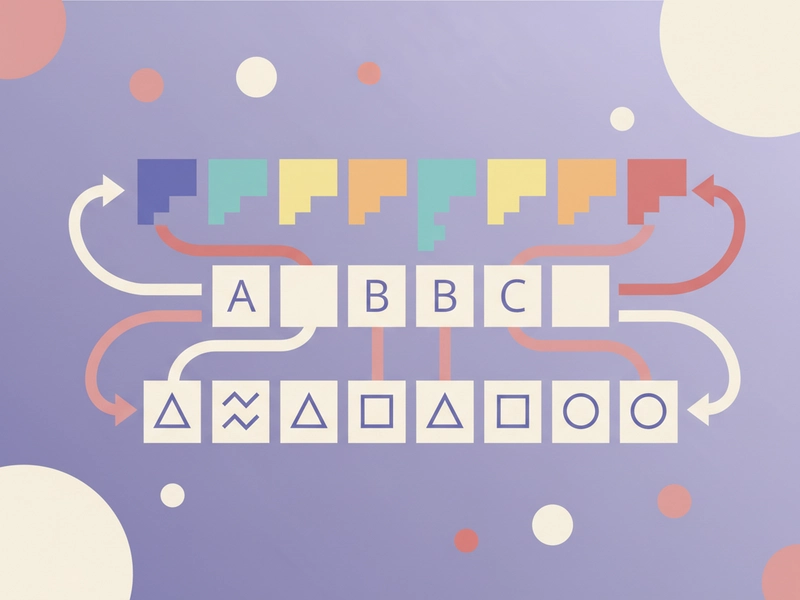
The Vigenere cipher is polyalphabetic: it uses multiple Caesar shifts in sequence. A repeating keyword selects the shift for each letter position. Because the shift changes, the same plaintext letter does not always map to the same ciphertext letter, unlike a simple Caesar cipher.
Modular arithmetic
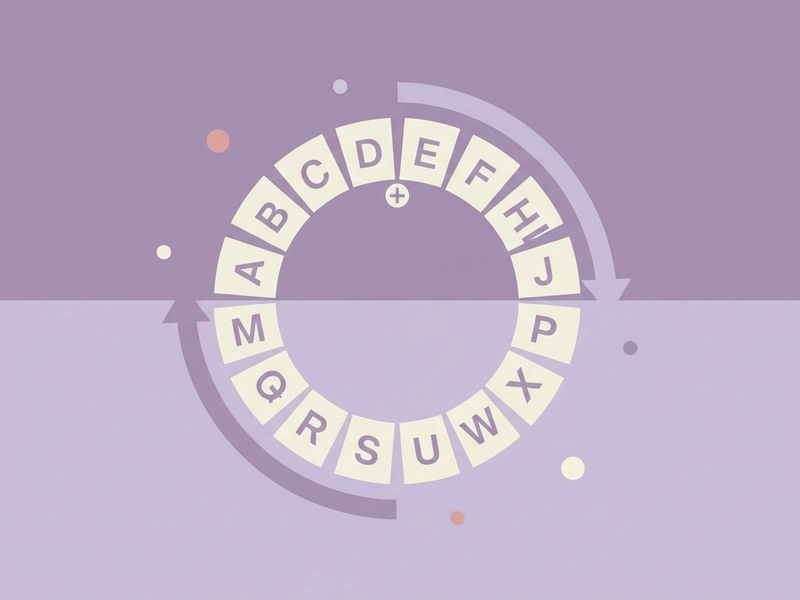
Vigenere calculations use modular arithmetic with 26 Latin letters. A=0 through Z=25, and sums wrap around after Z. For example, T plus G becomes Z, while T plus H wraps to A. This makes the cipher easy to compute by hand for short puzzle messages.
Reference guide
| Input | Rule | Result |
|---|---|---|
| CAT + key DOG | C+D=F, A+O=O, T+G=Z | FOZ |
| HELLO + key KEY | Key repeats K, E, Y, K, E | RIJVS |
| ATTACK AT DAWN + key LEMON | Key repeats L, E, M, O, N, ... | LXFOPV EF RNHR |
How the key repeats and shifts letters
Vigenere uses a repeating key. Each letter in the key gives a shift from A=0 to Z=25. The same plaintext letter can become different ciphertext letters depending on its position. Non-letters are skipped when advancing the key, so the key stays aligned with letters only.
Spaces, punctuation, and case
Spaces, commas, periods, and other non-letters are copied unchanged. They do not consume a key letter. Case is usually preserved or normalized to uppercase for the calculation, so ATTACK and attack produce the same cipher letters when the same key is used.
| Input | Rule | Result |
|---|---|---|
| ATTACK AT DAWN! + key LEMON | ! and spaces kept; key skips them | LXFOPV EF RNHR! |
| HELLO, WORLD! + key KEY | Comma, space, ! kept; key skips them | RIJVS, UYVJN! |
| A-B! + key B | A+B=B; B+B=C; - and ! kept | B-C! |
Ways to use this tool
Puzzle and escape room clues
Create short Vigenere-encoded clues for a puzzle hunt or escape room. Use a Latin-letter keyword, keep spaces and punctuation, and give solvers the key separately. Because this is a historical puzzle cipher, avoid using it for real secrets or password protection.
Classroom cryptography practice
Let students encode and decode words with a repeating keyword. They can verify how the same letter changes position by position, then compare results with hand calculations. The local tool avoids accounts and works directly in the browser. It also helps demonstrate modular arithmetic on the 26-letter alphabet.
Checking hand-written ciphertext
If you solved a Vigenere puzzle on paper, enter your plaintext, key, and expected direction to check the output. Compare letter groups and punctuation handling. This is useful for finding a missed key advance or an incorrect shift before sharing an answer.
Writing fictional coded notes
Use Vigenere to make fictional coded notes, game props, or story handouts. The output is not secure, but it looks like a classic cipher. Keep a separate key for readers, and remember that spaces and punctuation are preserved rather than hidden.
What you can do
Explore the Vigenere Cipher Translator features and supported options.
Encode and decode locally
Run Vigenere encoding or decoding in your browser without signing in. The tool uses the Latin-letter key you provide and does not send the text to a server.
Keep punctuation in place
Spaces, commas, periods, and other non-letters are preserved. The key advances only across letters, so punctuation does not shift the alignment of the repeating keyword.
Use short reproducible examples
Load simple sample text to see how a key like DOG, KEY, or LEMON changes letter positions. Examples use short words and standard A=0 to Z=25 shifts.
Copy, download, or reset
Copy the result, download it as a text file, load the example, or reset the fields. These controls help you test several keys or compare encoded and decoded outputs quickly.
Frequently asked questions
Related tools
Caesar Cipher Translator
Shift letters by 0–25 positions; preserve case and punctuation.
ROT13 TranslatorApply the reversible 13-position Latin letter substitution.
Tap Code TranslatorUse the 5×5 C/K merged grid. Encode letters as row.column pairs with / between words; decode dot-tap pairs or coordinates.
Bacon Cipher TranslatorUse five A/B symbols per letter; select modern 26-letter or historical 24-letter I/J and U/V merged alphabet.
How to use this tool
Step 1: Enter text and key
Type or paste your Latin-letter message and a Latin-letter key. Choose encode or decode if the tool offers both directions. For a quick test, try ATTACK AT DAWN with the key LEMON.
Step 2: Run the translation
Press the translate button. The tool shifts each letter using the repeating key and leaves spaces and punctuation unchanged. Review the result for the expected letter groups and preserved non-letters.
Step 3: Copy, download, or reset
Use copy or download to keep the result, load the example to see a known case, or reset to clear the fields. For puzzles, store the key separately from the ciphertext.
Try this tool
Encode or decode a Vigenere message locally. Enter a Latin-letter key, keep punctuation in place, and copy the result.