ROT13 Translator
Apply a reversible 13-position shift to basic Latin letters. ROT13 changes A–Z and a–z while leaving digits, spaces, punctuation, and other characters as typed.
0 / 10,000 characters
Examples
Simple ROT13 transformations. Each example shows input text and the resulting output. Results are deterministic for basic Latin letters; non-letter characters remain unchanged.
English
HELLO
Translation
URYYB
Forward conversion with default settings
English
WORLD
Translation
JBEYQ
Forward conversion with default settings
English
GOOD DAY
Translation
TBBQ QNL
Forward conversion with default settings
English
SECRET
Translation
FRPERG
Forward conversion with default settings
English
MEET ME
Translation
ZRRG ZR
Forward conversion with default settings
English
FRIEND
Translation
SEVRAQ
Forward conversion with default settings
Understand this tool
Reversible by design
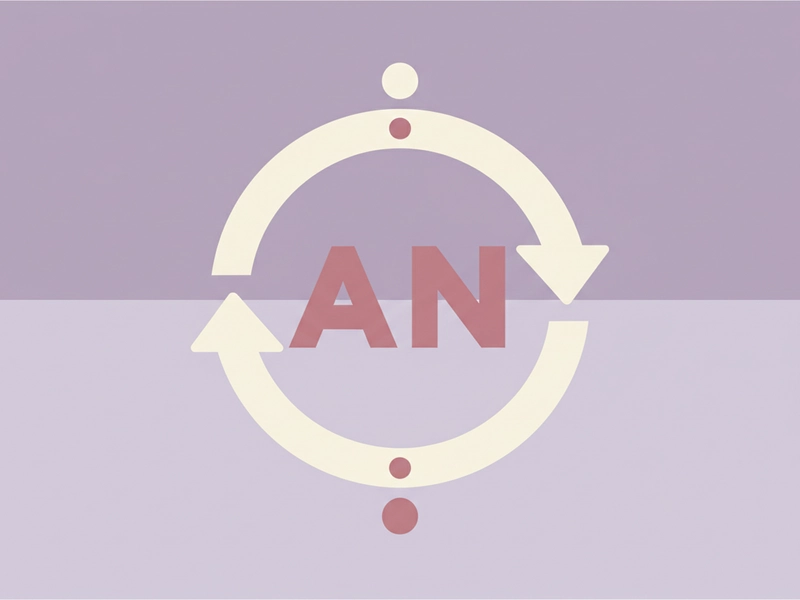
ROT13 is an involution, meaning applying it twice returns the original text. Since 13 is exactly half of 26, encoding and decoding use the same operation. There is no key to remember and no settings to adjust for basic Latin letters.
Not security
ROT13 is a Caesar cipher variant with a fixed shift. It is not encryption and provides no confidentiality because anyone can reverse it instantly. Use it for puzzles, spoiler hiding, or simple text obfuscation, not for protecting sensitive information.

Reference guide
| Input | Rule | Result |
|---|---|---|
| A | Shift 13 forward | N |
| N | Shift 13 forward, wrap past Z | A |
| m | Lowercase follows same shift | z |
How the 13-position shift works
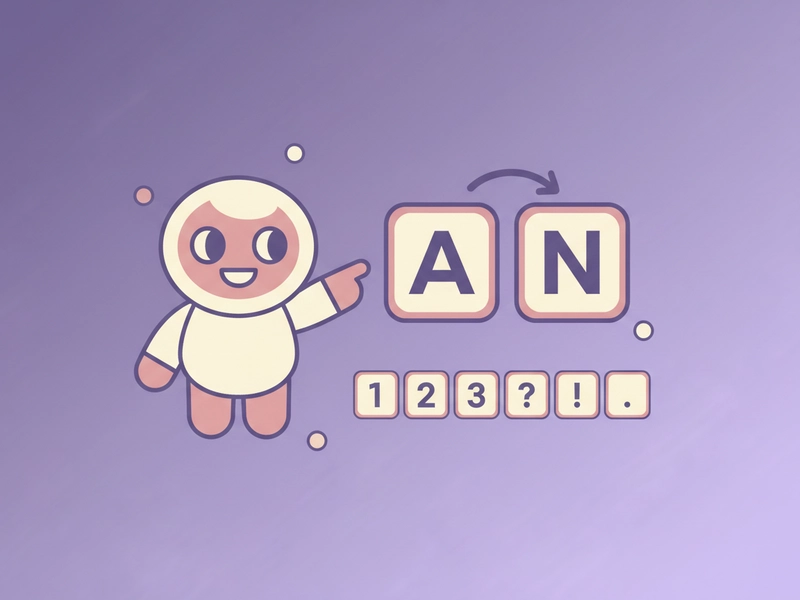
ROT13 maps each basic Latin letter to the letter 13 places ahead in the alphabet, wrapping from Z back to A. Because the alphabet has 26 letters, the same rule both encodes and decodes. Letters outside A–Z, such as digits, punctuation, and accented characters, are left as typed.
Characters that stay unchanged
ROT13 only changes the 26 basic Latin letters. Numbers, spaces, punctuation, emoji, and letters with accents or from other writing systems remain exactly as entered. That makes the tool predictable when you run it on mixed text, code snippets, or puzzle strings.
| Input | Rule | Result |
|---|---|---|
| 5 | Not a basic Latin letter | 5 |
| ? | Punctuation unchanged | ? |
| é | Accented Latin letter not in A–Z | é |
Ways to use this tool
Decode puzzle forum hints
When a puzzle or game community hides answers with ROT13, paste the encoded hint into the input. The tool restores readable Latin letters while leaving symbols and numbers untouched. You can then copy the decoded text back into your notes without installing software or creating an account.
Create spoiler-free notes
If you write study notes or puzzle solutions and want to hide a line from casual reading, type the text and apply ROT13. The result stays plain text, so you can store it anywhere. Apply ROT13 again later to read the original line.

Test basic substitution logic
Developers learning about ciphers can compare their own ROT13 implementation against this page. Enter a short string that mixes uppercase, lowercase, digits, and punctuation. The output shows exactly which characters change and which stay the same, making the rule easy to verify.
Obfuscate classroom worksheets
Teachers can turn a short vocabulary list or answer key into ROT13 text. Students then decode each line to reveal the answer. Because punctuation and numbers remain readable, formatted clues stay intact while the basic Latin letters stay hidden until decoded.
What you can do
Explore the ROT13 Translator features and supported options.
Encode and decode locally
Type or paste text and apply the same ROT13 operation to encode or decode. Processing happens in your browser, so the basic Latin letters are shifted without sending the text to a server.
Preserve case and non-letters
Uppercase letters map to uppercase letters, lowercase to lowercase. Digits, spaces, punctuation, emoji, and accented characters stay exactly as entered, so mixed strings remain easy to check.
Copy or download the result
After the transformation, use the copy button to place the result on your clipboard or the download button to save the result. The Clear button clears both fields to start over.
Try a reversible example
Click the example button to load a sample string such as Hello, world! Then apply ROT13 once to see the encoded form and again to return to the original text.
Frequently asked questions
Related tools
Caesar Cipher Translator
Shift letters by 0–25 positions; preserve case and punctuation.
Tap Code TranslatorUse the 5×5 C/K merged grid. Encode letters as row.column pairs with / between words; decode dot-tap pairs or coordinates.
Bacon Cipher TranslatorUse five A/B symbols per letter; select modern 26-letter or historical 24-letter I/J and U/V merged alphabet.
Polybius Square TranslatorUse a 5×5 I/J merged square and row-column coordinates.
How to use this tool
Step 1: Enter your text
Type or paste the text you want to transform into the input box. ROT13 works on basic Latin letters, so you can include uppercase, lowercase, digits, spaces, and punctuation without changing any settings or options.
Step 2: Apply ROT13
Press the Convert button to run the 13-position substitution. The result appears in the output box. Each letter shifts by 13 places, while non-letter characters remain exactly as entered. You can run it again to decode.
Step 3: Copy, download, or reset
Use the copy button to place the result on your clipboard, or download the result. Apply ROT13 again to decode. Press Clear to clear both fields and start a new text or example as needed.
Try this tool
Enter any text to apply the reversible 13-position ROT13 substitution in your browser. The result is ready to copy or download.