Excel Translator
Upload an XLSX file to translate text cells across all sheets. Formulas, numbers, and archive structure stay in place; macros are not supported.
Examples
Examples use Spanish as the target language. Outputs are illustrative; AI outputs are not guaranteed. Formulas, numbers, and workbook structure are preserved.
English
Hello, world!
Translation
¡Hola, mundo!
Shared string in a worksheet cell; target language Spanish.
English
Invoice
Translation
Factura
Header text cell; target language Spanish.
English
Thank you
Translation
Gracias
Footer text cell; target language Spanish.
English
Product
Translation
Producto
Column label; target language Spanish.
English
January
Translation
enero
Month name in a text cell; target language Spanish.
English
Total
Translation
Total
Label that remains the same in Spanish; target language Spanish.
Understand this tool
How XLSX stores text
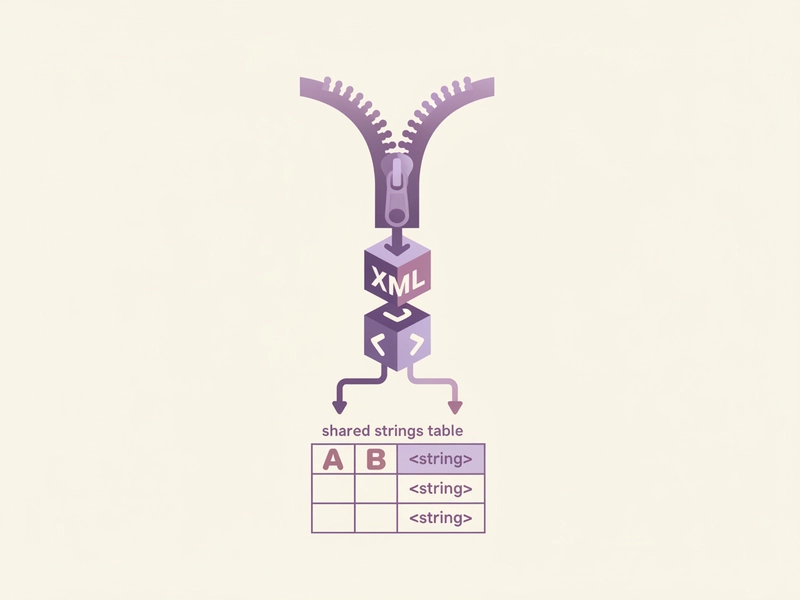
An XLSX file is a ZIP archive of XML parts. Text can live in a shared strings table, in inline strings, or in worksheet cells. Translating those XML string values changes displayed labels without rewriting formulas, numbers, or the workbook packaging.
Why formulas stay untouched
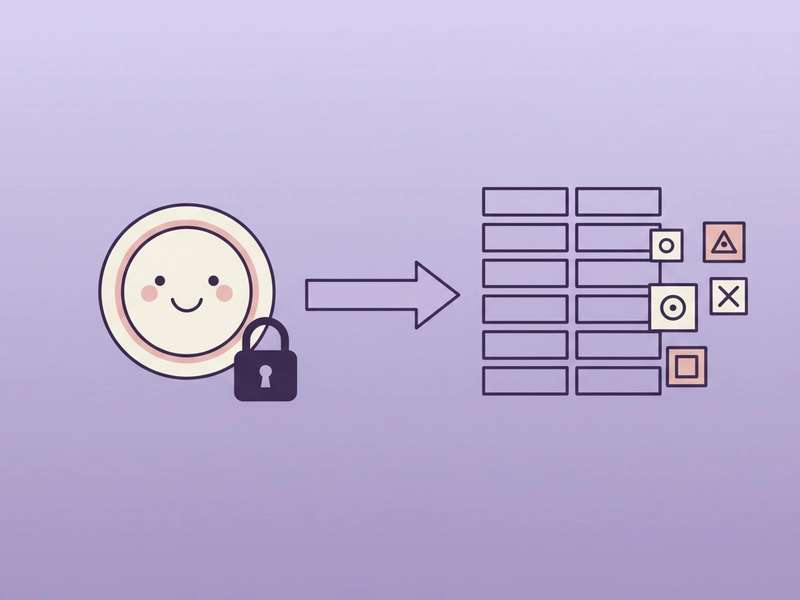
Formulas are stored separately from text labels. A formula such as =SUM(A1:A5) contains cell references and operators, not translatable prose. Keeping formula cells unchanged avoids broken calculations, while the tool still translates ordinary text cells across all worksheets.
Reference guide
| Input | Rule | Result |
|---|---|---|
| A1 contains 'Invoice' | Shared string text | A1 becomes 'Factura' |
| B2 contains =SUM(B3:B5) | Formula cell | B2 formula unchanged |
| C3 contains 42 | Number cell | C3 remains 42 |
Shared strings and inline strings
XLSX workbooks store text either in a shared string table or directly as inline strings in cells. This tool translates both text forms. It scans every worksheet, leaves numeric cells untouched, and preserves formulas, defined names, and the archive layout. Blank cells remain blank.
File size, text limits, and request count
XLSX files can be up to 5MB, and expanded archives up to 30MB. Extracted text is sent to DeepSeek in parts of 500 characters or fewer, and translation text is limited to 20000 characters. Before starting, the page displays the number of requests. Macros are not supported.
| Input | Rule | Result |
|---|---|---|
| report.xlsx 3.2MB | Under 5MB | Accepted |
| Expanded archive 22MB | Under 30MB | Accepted |
| Text total 21,500 chars | Over 20,000 chars | Not accepted |
Ways to use this tool
Localizing product catalogs
If you maintain a product list in Excel, you can translate column headers and descriptions while keeping price columns, SKU numbers, and formulas intact. Upload the XLSX, review the request count, then download the workbook with translated text cells and unchanged numeric or calculated cells.
Translating survey labels
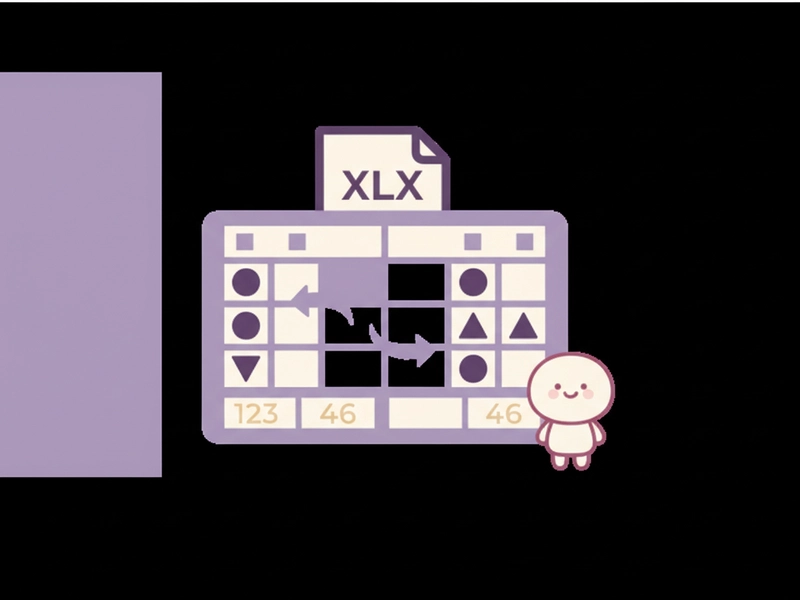
Teams often collect survey responses in spreadsheets. You can translate question labels, answer options, and sheet titles into Spanish while preserving response IDs and numeric scores. The tool processes shared and inline strings across every sheet, so coded values and formulas remain in place for analysis.
Preparing multilingual reports
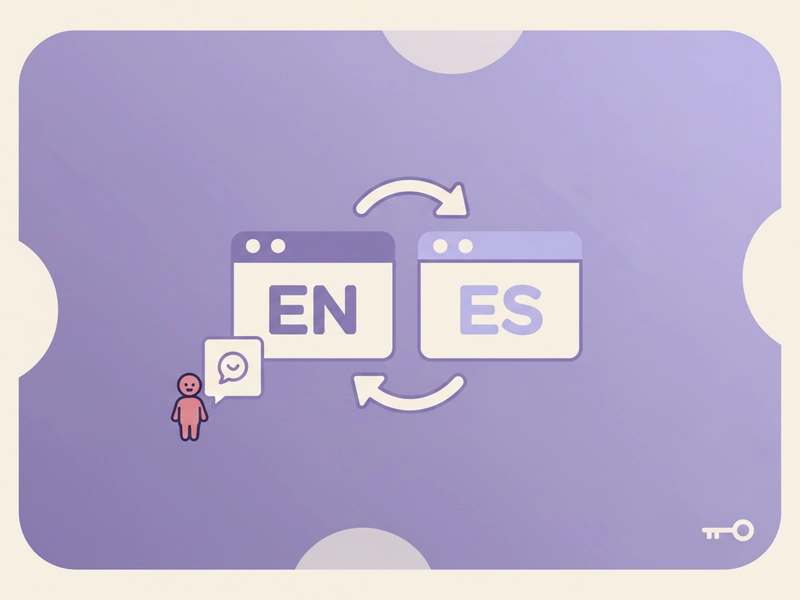
When a workbook contains one sheet per region, translate text cells such as headings, notes, and status labels. The workbook structure, formulas, and numeric results stay as they were. This helps reviewers read the same layout in another language without rebuilding the file from scratch.
Translating educational worksheets
Teachers can translate instructions, vocabulary lists, and example sentences in an XLSX worksheet while keeping answer keys, scores, and formulas unchanged. The tool handles text cells in all sheets, so a bilingual classroom copy can be prepared without retyping the numerical or calculated parts again.

What you can do
Explore the Excel Translator features and supported options.
Translate all text cells
The tool scans every worksheet in the XLSX and translates shared and inline strings. Text cells are translated; formulas and numbers are left unchanged. Macros are not supported, and blank cells remain blank.
Preserve formulas and numbers
Formula cells, numeric values, and workbook metadata are kept in their original positions. The archive structure is preserved, so opening the result in Excel or another spreadsheet application shows the same calculation layout with translated text labels.
Request count before start
Before translation begins, the page shows how many requests will be made. Extracted text is sent to DeepSeek in parts of 500 characters or fewer. Each successful AI request consumes one daily free translation or 1 credit.
Stop and resume in session
If you need to pause, the process can be stopped and resumed within the same session. The workbook is parsed locally, and only extracted text is sent in parts. You can review the result before downloading the translated XLSX.
Frequently asked questions
Related tools
Subtitle Translator
Accept SRT/VTT. Preserve timecodes, cue identifiers and markup. Translate cue text; offer original-format and bilingual downloads.
Image TranslatorAccept PNG/JPEG/WebP, run browser OCR for selected source language, review extracted text then translate; output text only, not edited images.
PDF TranslatorExtract selectable text from PDF locally, preserve page grouping in text output. Export translated TXT, not original-layout PDF. Scanned PDFs require OCR elsewhere.
Word TranslatorAccept DOCX; translate paragraph text while preserving archive structure, tables and images. Complex run styling can consolidate into the first text run.
How to use this tool
Step 1: Upload an XLSX file
Select an XLSX workbook up to 5MB. The tool parses it locally and lists the number of translation requests before starting. Only shared and inline text strings are targeted for translation. Formulas and numbers are not translated.
Step 2: Review request count and translate
Check the displayed request count. Sign in if required, then start translation. Extracted text is sent to DeepSeek in parts of 500 characters or fewer. Each successful AI request consumes one daily free translation or 1 credit.
Step 3: Download the translated workbook
When processing finishes, review the output and download the translated XLSX. Formulas, numbers, sheet order, and archive structure remain in place. Translated text cells appear in the same worksheets, and you can reset the tool to start again.
Try this tool
Upload an XLSX file to translate text cells while keeping formulas, numbers, and workbook structure. Review the request count before you start.